7 Day Return Policy. Free Vancouver Pick-Up!
  • EN
    • EN
    • FR
Wacom Canada
Wacom Canada
Wacom Canada
  • Shop Products
    • Screens
      • Pen Displays
        • Wacom One
        • Cintiq
        • Cintiq Pro
        • Movink
      • Portable Pad
        • MovinkPad 11
        • MovinkPad Pro 14
    • Drawing Tablets
      • Wacom One
      • Intuos
      • Intuos Pro (2025)
    • Accessories
      • Pens
      • Nibs
      • Arms & Stands
      • Cables & Cords
      • Other
    • Academic Pricing
    • Special Offers
    • Open Box Same Day Pick Up – Vancouver Only
  • Education Solutions
    • Wacom for K-12
    • Wacom for Higher Education
    • Wacom for Education Professionals
  • Resources
    • Contact Us
    • Blog
    • FAQ
    • Drivers & Manuals
    • When Will I Receive My Order?
    • Warranty & Repairs
    • 7-Day Returns & Process
  • My Account
    • Login/Register
    • My Orders
  • Shopping Bag Custom Icon 0
    Cart
  • Search Custom Icon

    Digital art setup

  • All
  • Education Solutions
  • Knowledge Base
  • News & Announcements
  • Uncategorized
    • Getting Started
    • Knowledge Base
    • News & Announcements
    • Tutorials and How-Tos

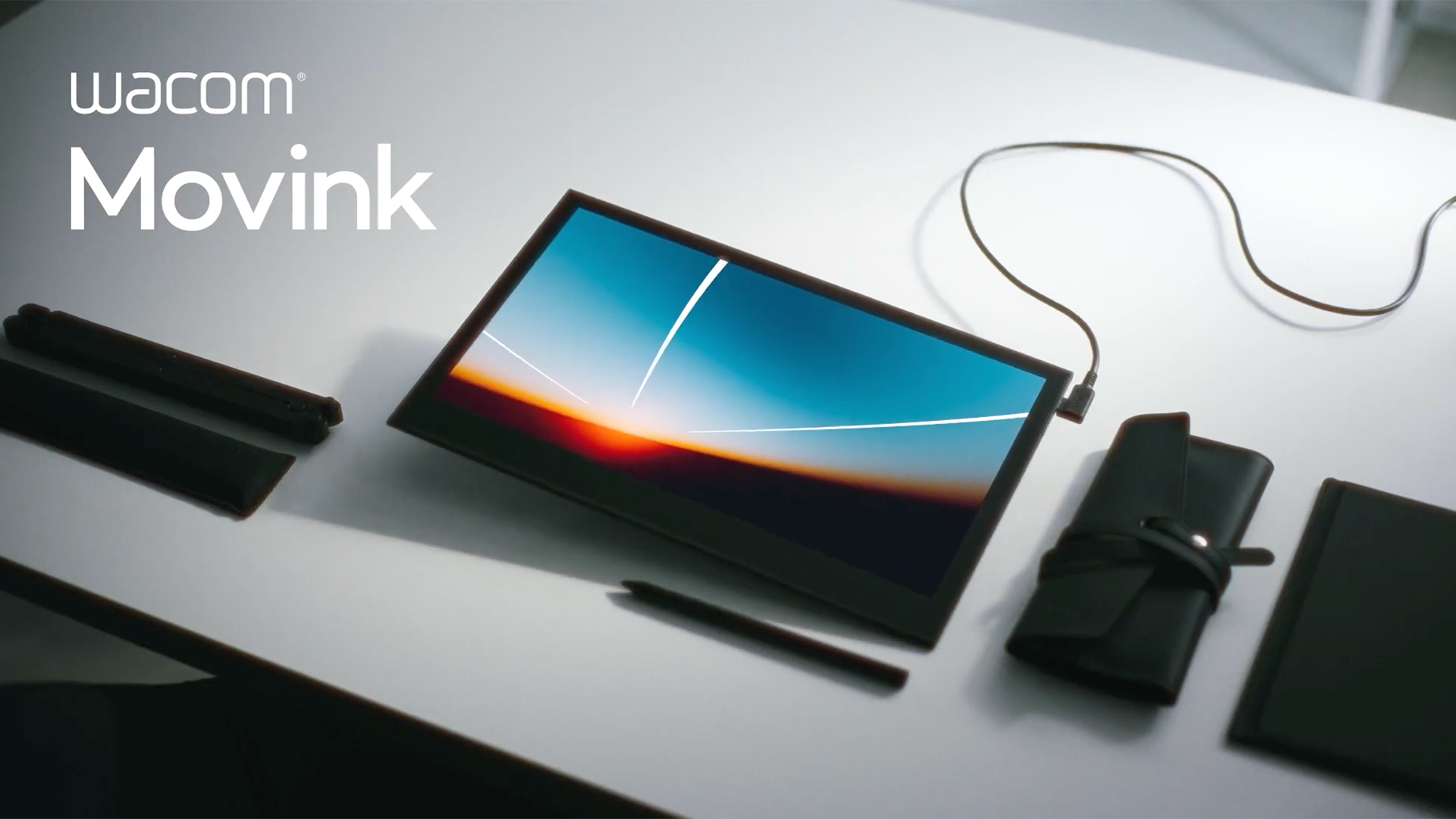
    How to Connect Your Wacom Movink to a Computer

    A Quick Guide for Windows and macOS Users in Canada You’ve unboxed your Wacom Movink…

    Continue Reading

SHOP

RESOURCES

  • Blog
  • When Will I Receive My Order?
  • 7-Day Returns & Process
  • Payment Options
  • Tax Exempt Orders
  • Employee Discount Program
  • FAQ

EDUCATION SOLUTIONS

  • Wacom for K-12
  • Wacom for Higher Education
  • Wacom for Education Professionals
  • Works with Chromebook

CONNECT

Email Us - For Service in English & French

800-682-6639 - For Service in English

Create a Tech Support Ticket

Request a Return

The Wacom Store in Canada is an authorized retail partner powered by Annex Pro Inc. Copyright ©2026 Annex Pro Inc. and Wacom Technology Corp. All other trademarks are the property of their respective owners and are used with their permission.
Terms & Conditions
  • Shop Products
    • Screens
      • Pen Displays
        • Wacom One
        • Cintiq
        • Cintiq Pro
        • Movink
      • Portable Pad
        • MovinkPad 11
        • MovinkPad Pro 14
    • Drawing Tablets
      • Wacom One
      • Intuos
      • Intuos Pro (2025)
    • Accessories
      • Pens
      • Nibs
      • Arms & Stands
      • Cables & Cords
      • Other
    • Academic Pricing
    • Special Offers
    • Open Box Same Day Pick Up – Vancouver Only
  • Education Solutions
    • Wacom for K-12
    • Wacom for Higher Education
    • Wacom for Education Professionals
  • Resources
    • Contact Us
    • Blog
    • FAQ
    • Drivers & Manuals
    • When Will I Receive My Order?
    • Warranty & Repairs
    • 7-Day Returns & Process
  • My Account
    • Login/Register
    • My Orders
  • EN
    • EN
    • FR

What are you looking for?

GDPR Cookie Banner

We are using cookies to give you the best experience on our website.

You can find out more about which cookies we are using or switch them off in .

Due to the Microsoft outage, some customers are not receiving order confirmations by email.

You can check order status 24/7 at https://wacomstore.ca/my-account/

If you need assistance, please call 1-800-682-6639 or 604-682-6639 and press zero.

Leave a voicemail if calling outside business hours (9am – 5pm BC/Pacific Time, Monday – Friday, closed weekends and holidays )

Thanks for your patience – The Wacom Store Team

November 13, 2026

×
Wacom Canada
Privacy Overview

This website uses cookies so that we can provide you with the best user experience possible. Cookie information is stored in your browser and performs functions such as recognizing you when you return to our website and helping our team to understand which sections of the website you find most interesting and useful.

Since cookies are maintained by your web browser, the method for enabling or disabling them will vary depending on which browser you are using. In most instances, it’s a matter f selecting the ‘Tools->Internet Options’ menu item, and then opening the ‘Privacy’ tab. Your options should be available to you in this menu. If you are unsure, please check the Help options for your browser.


Strictly Necessary Cookies

Strictly Necessary Cookie should be enabled at all times so that we can save your preferences for cookie settings.