


Wacom is designed with creatives in mind, but what are other effective ways to use Wacom? Whether you’re creating a graphic novel, designing for film and TV, retouching wedding photos, or teaching students remotely, Wacom tools help bring your ideas to life. For over 40 years, creatives worldwide have trusted Wacom for precision, reliability, and seamless workflow integration.
The question really is… what can’t you do with a Wacom? Let’s explore the possibilities that Wacom has to offer.
Illustration, Comics & Manga
From manga panels to children’s books, Canadian artists use Wacom tablets to sketch, ink, and colour with total control. Pen pressure sensitivity and tilt recognition help you create dynamic lines that feel just like traditional tools.
- A great option to start with:
Graphic Design & Concept Art
Wacom is a favourite for designers working in Adobe Photoshop, Illustrator, CorelDRAW, and Affinity Designer. Whether you’re working on brand identities, UI/UX wireframes, or concept sketches, Wacom delivers pixel-perfect results.
- Designed for creative professionals:
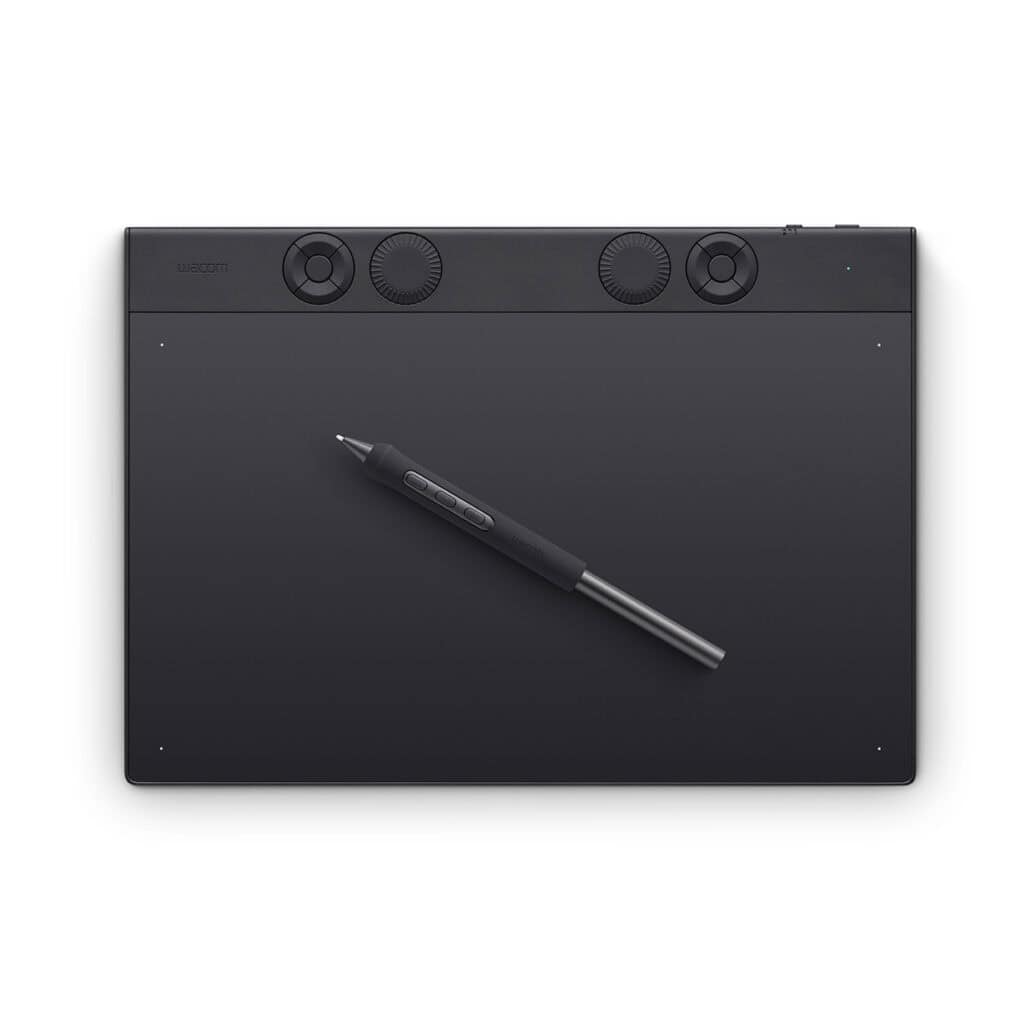
Wacom Intuos Pro Medium
The Intuos Pro [PTK670] drawing tablet, Wacom’s flagship tablet, combines cutting-edge pen technology with unmatched precision, comfort, and versatility to help creators achieve the perfect harmony between work and flow. Designed with professional needs in mind, it’s the only Wacom graphic tablet featuring the customizable Pro Pen 3, which allows you to adjust the grip, weight, and button configuration for a personalized experience with Wacom’s most sensitive and accurate pen technology. This art tablet’s ergonomic layout includes intuitive dials and ExpressKeys, located at the top of the tablet and easily accessible for both left- and right-handed users. At its thinnest, Intuos Pro is only 4mm, and is built with durable magnesium, it’s portable yet rugged, ideal for studio or on-the-go use. With three sizes to suit any style—whether for detailed editing or expressive art forms – Intuos Pro integrates seamlessly with creative software and supports Bluetooth® connectivity. It’s also compatible with previous generation Wacom Pro Pens and EMR styluses from brands like LAMY and STAEDTLER.
Animation & Storyboarding
Canadian animators trust Wacom in every stage of production, from thumbnails to final renders. Compatible with Toon Boom Harmony, Blender, and After Effects, Wacom makes drawing frame-by-frame intuitive and efficient.
- Studio-grade hardware:
Recommended products
-
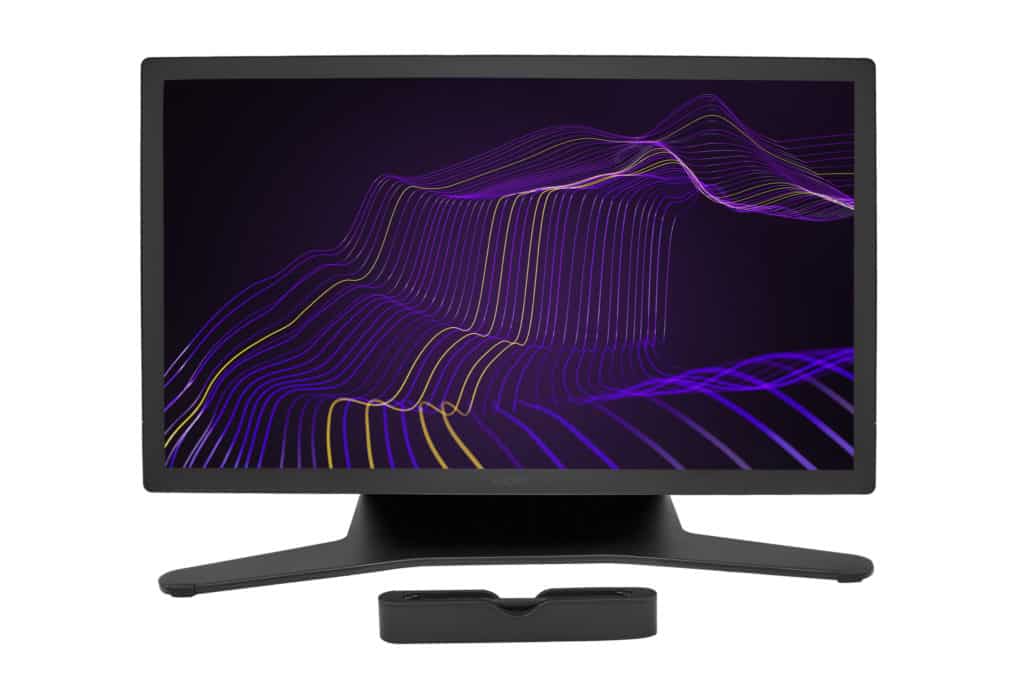
Wacom Cintiq Pro 27
Price range: $4,655.95 through $4,799.95 -
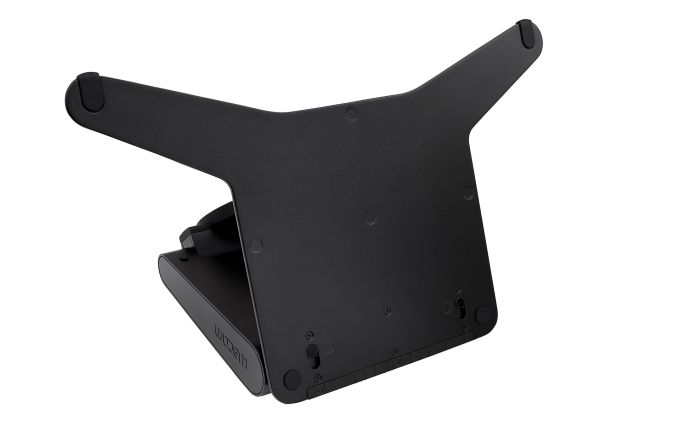
Wacom Cintiq Pro 27 Stand
$799.95
Photo & Video Editing
Retouching skin tones? Colour grading for YouTube? A Wacom pen adds freedom to your finesse more than a mouse ever could. Perfect for Lightroom, Premiere Pro, Capture One, and DaVinci Resolve workflows.
- For photo editors and retouchers:
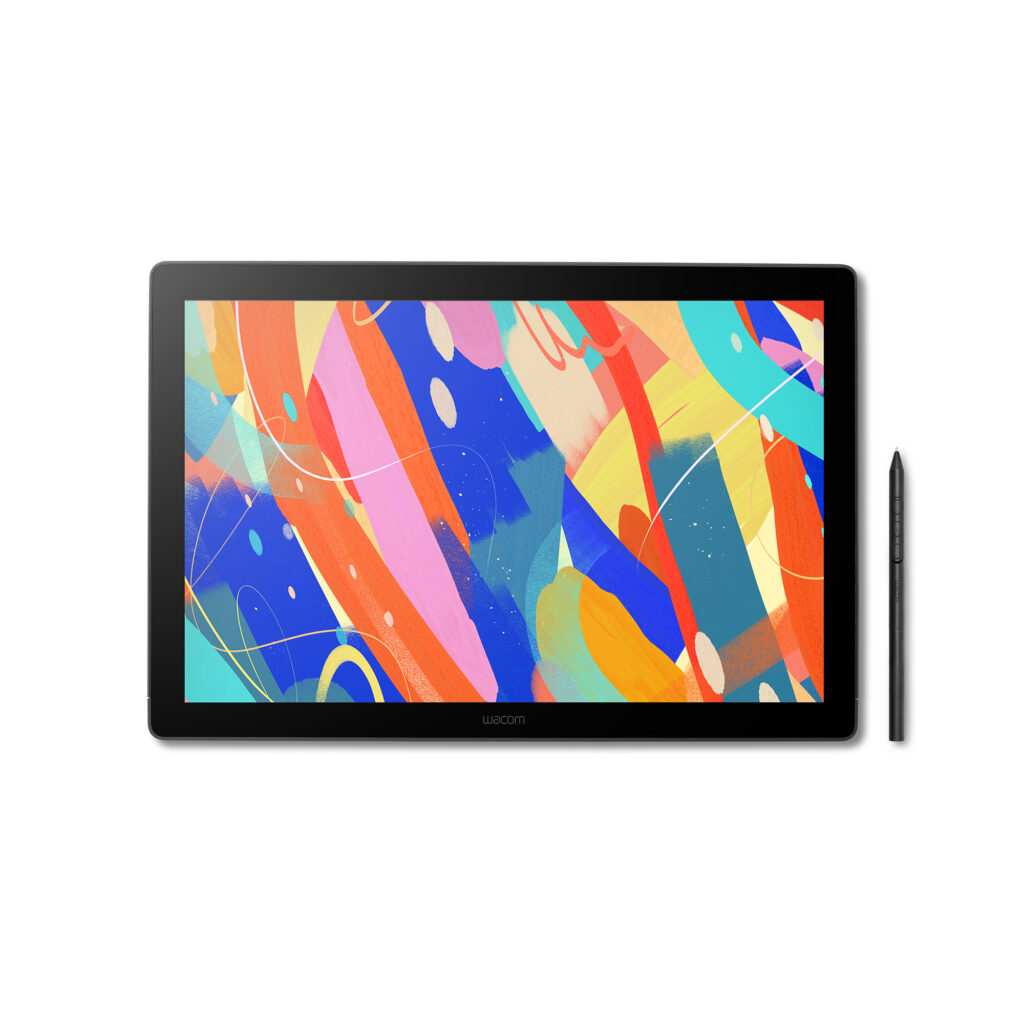
Wacom Cintiq 16 (2025) Drawing Tablet with Screen
Dive into creativity with the Wacom Cintiq 16 — a display that feels as natural as traditional media yet performs like a pro studio tool. Anti-glare etched glass provides familiar resistance while vibrant colour accuracy adapts to any workspace. Wacom Pro Pen 3 capture every nuance with fluid responsiveness that sets the standard. Professional power, streamline design, more accessible price.
Wacom Pro Pen 3 captures every nuance with 8,192 pressure levels, 60° tilt support and 3 programmable side-switches. The 12ms LCD response time keeps pen movement fluid and natural — setting the standard others can only attempt to follow. With 8-bit colour depth, increased brightness and exceptional contrast that makes shadows and highlights pop, you’ll create your best work yet. Designed for comfort and flexibility, Cintiq 16 comes equipped with built-in fold-out legs that raise the display to a 20-degree working angle right out of the box. For even more ergonomic versatility, an optional adjustable stand (ACK651KZ) is available separately, offering a range of angles to suit your preferred creative posture. Wacom Cintiq 16 (2025) delivers professional-grade precision at a price that puts premium creative tools within reach—because your talent deserves nothing less. Professional-grade performance. Streamlined design. Accessible price. Dive in with confidence—Cintiq 16 is ready.
Remote Learning & Digital Whiteboarding
Teachers and students across Canada use Wacom to annotate, draw diagrams, and explain ideas in real-time on Zoom, Teams, or Google Meet. It’s like having a digital whiteboard in your hand.
- Great hybrid work/study tools:
Recommended products
-
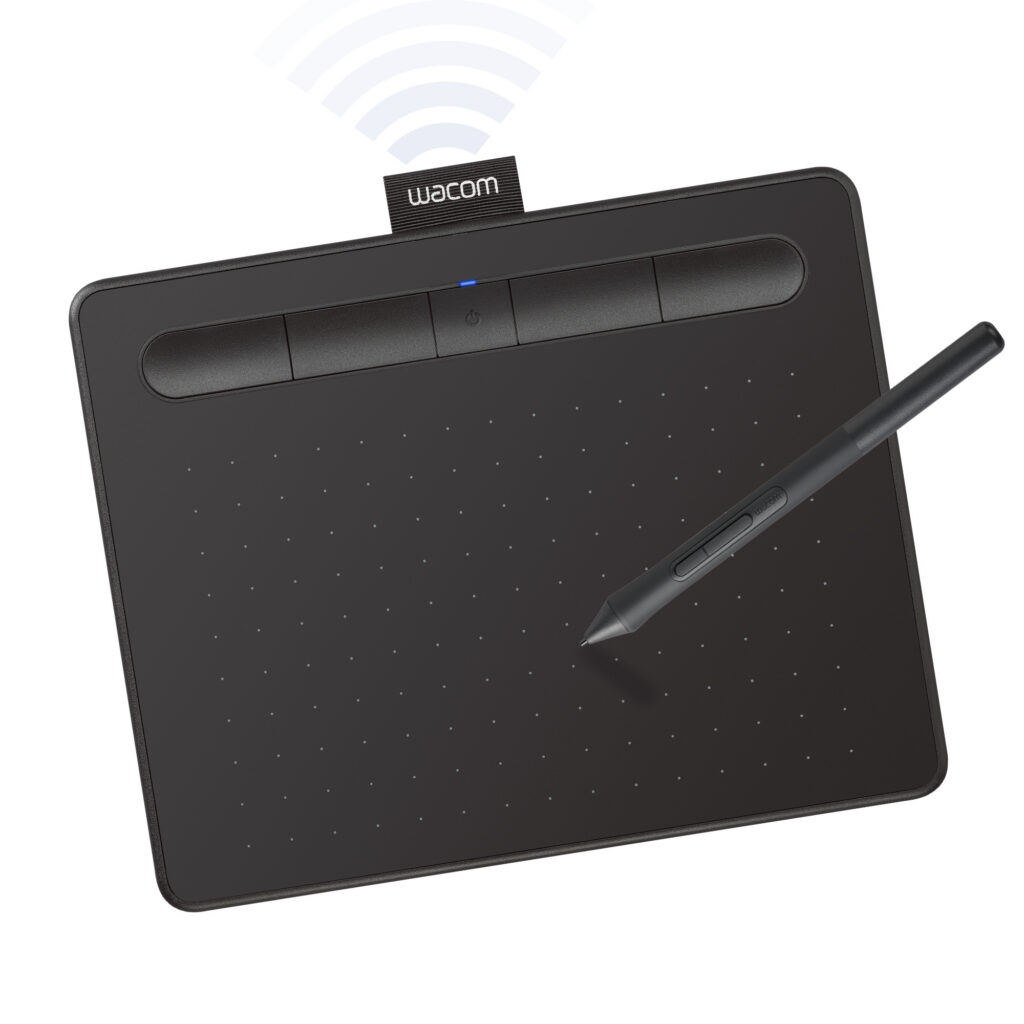
Wacom Intuos Small, Bluetooth, Black
$104.95 -
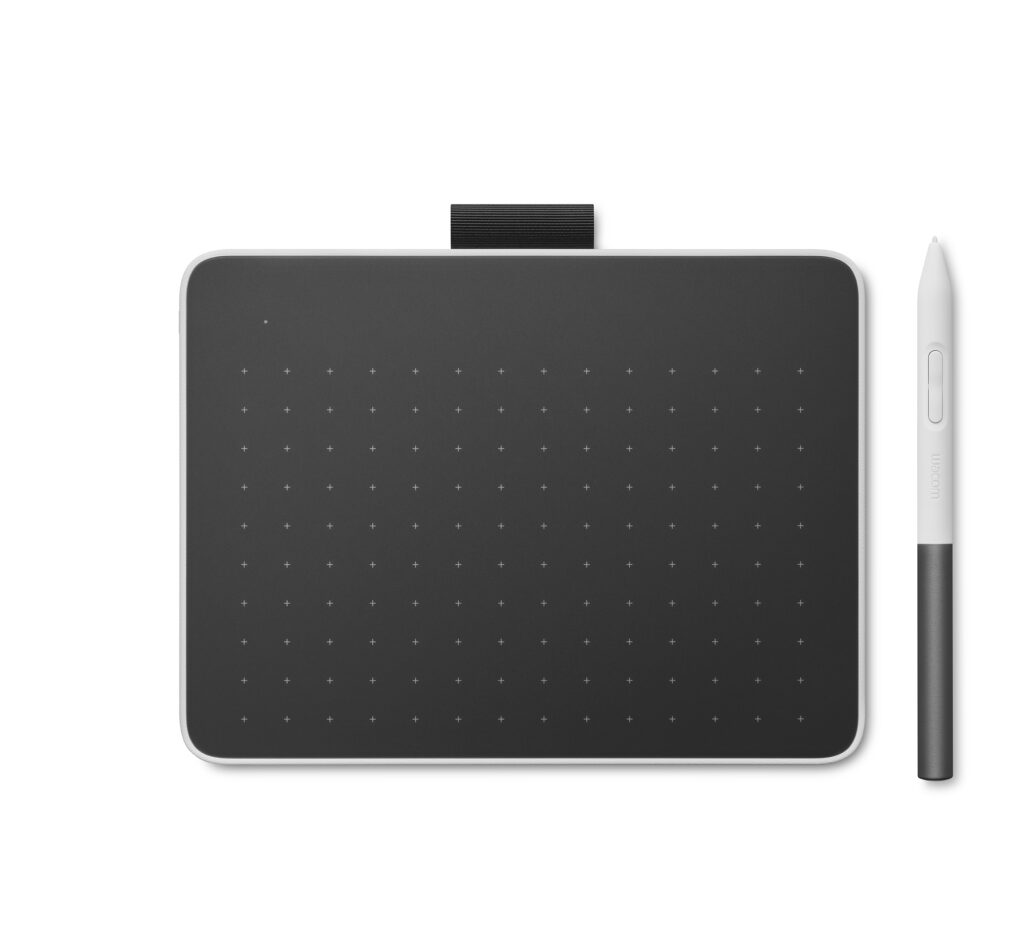
Wacom One S Pen tablet
Price range: $130.90 through $134.95
Office Productivity
Not just for artists! Wacom helps professionals across various industries work smarter and more efficiently. Use your pen to sign documents, take handwritten notes, or create visual presentations. Contact us to find out about Wacom’s Business products like Signature Pads!
- Lightweight and portable:
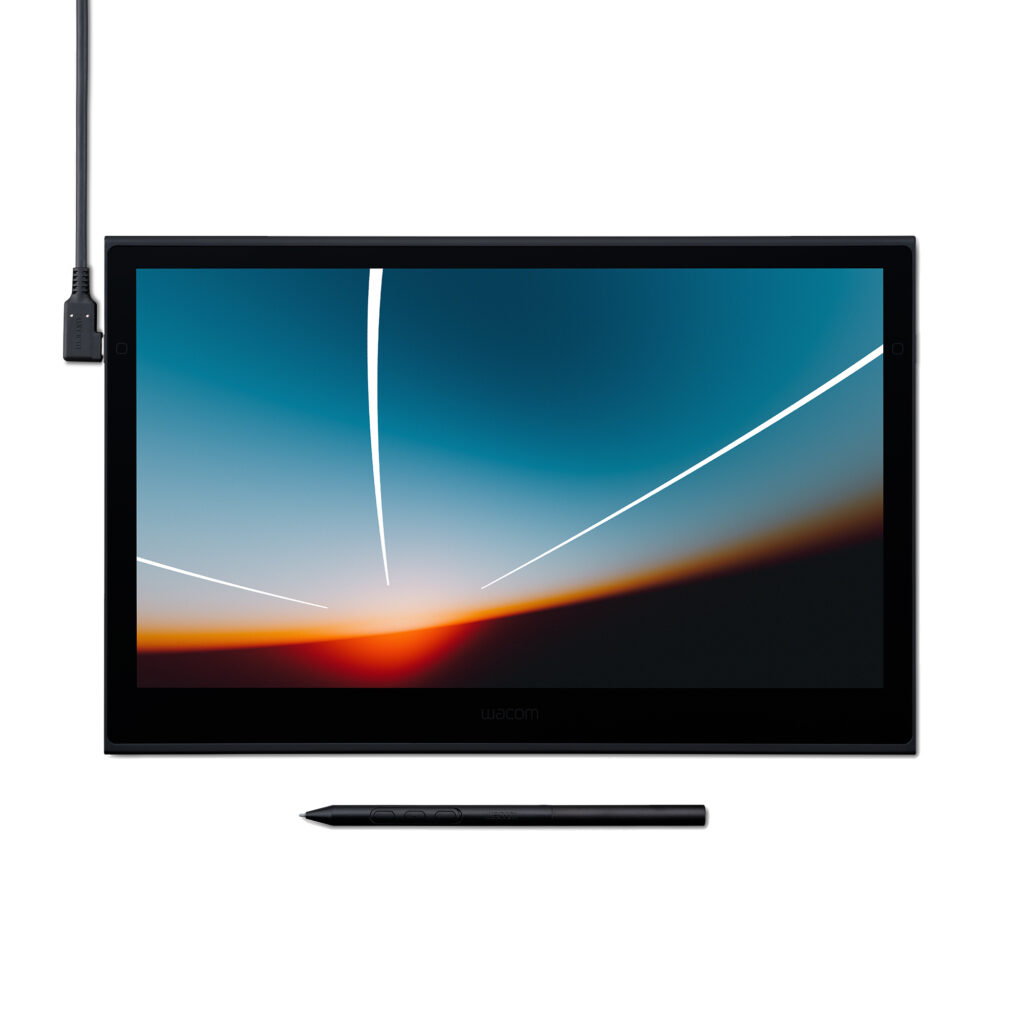
Wacom Movink 13″ OLED Pen Display
Feature Bullets
- THIN, LIGHT, PORTABLE DISPLAY: Whether on campus, in the studio, or at home, work wherever you feel
creatively inspired with this compact & sturdy OLED display that weighs less than 1 lb and measures a mere 4-6.6
mm thick - BEST-IN-CLASS PEN PERFORMANCE: Wacom Pro Pen 3 exclusively designed for Wacom Movink takes
Wacom’s most advanced pen and customizes it for portability – with extra nibs conveniently stored in the back end
and featuring 8192 levels of pressure sensitivity and three side switches. - VIBRANT COLOR: 10-bit color, contrast ratio of 100,000:1, Pantone validated, built-in hardware presets for Adobe
RGB, sRGB, DCI-P3 and Rec. 709, EBU, & Rec2020, and a lightning-fast response time (<1ms) for near-zero
latency - TOUCHSCREEN & SHORTCUT KEYS: Effortlessly navigate your canvas with intuitive touch gestures. Enhance
productivity with on-screen shortcuts like Radial Menus and Grid Panels, as well as physical and virtual
ExpressKeys, all customizable to your favorite keyboard shortcuts to streamline your workflow - SOFTWARE TRIALS: Register your Wacom Movink & accelerate your creative exploration with access to a
diverse range of professional-grade software trials: receive trials of CLIP STUDIO PAINT EX, Rebelle, Capture
One, Magma Blaze plan, and MASV file transfer service. Offer available for customers located in the Americas - COMPATIBILITY: PC (Windows 10 or later), Mac (OS 12 or later), Chromebook (devices running the latest Chrome OS) and Android smartphones/tablets (OS version 8.0 and above); connects via USB-C (with DisplayPort™ Alt Mode or Thunderbolt 3 or 4). HDMI adapter sold separately.
NOTE: If your computer lacks a USB-C DisplayPort Alt Mode or Thunderbolt 3 (or higher) port, you can buy the Wacom HDMI Converter Kit. When the single USB-C cable included with your display isn’t compatible, this kit offers the solution.
If your computer’s USB port doesn’t support DisplayPort Alternate Mode, refer to the installation guides below:
Find the Right Wacom for Your Workflow
| Product Line | Best For | Highlights |
| One by Wacom / Intuos | Students & Beginners | Plug & play, lightweight, budget-friendly |
| Wacom One Screen | New digital artists | Pen display experience at a great value |
| Cintiq | Hobbyists, Freelancers | Studio-grade screen at a budget-friendly price |
| Intuos Pro | Creative Professionals | Designed to seamlessly integrate into any workflow |
| Cintiq Pro | Creative Professionals | High-res displays, colour accuracy, touch features on some models |
| Movink | Mobile Creators | Ultra-light OLED display, Pro Pen 3 |
Resources to Get Started
Looking to sharpen your skills? Wacom offers free tutorials, webinars, and creative challenges. Check out the learning hub or follow us on social media to stay inspired.
Ready to Create?
From Vancouver to Halifax, Canadian creators trust Wacom to support their digital workflows. We’ve explored some effective ways to use Wacom, now it’s time to browse our product line and find the perfect pen tablet or display at Wacom Canada.
If you need help choosing the device that’s right for you, contact us any time, we’d love to hear from you!