


Welcome Sheridan Students
How to access your discount:
- Create a Wacom Canada account using your school email address
If you already have a Wacom Canada account associated with your school email address, please sign in - Shop for your Wacom product(s)
- Select the item(s)
- Click “Add to Cart”
- To checkout, click the green cart
 icon at the top right and select Checkout
 - Add your school email the Billing Information checkout page
- Choose your payment method (credit/debit, PayPal, or Affirm financing)
- Click “Place Order” to complete your purchase
- You’ll see a confirmation page with your order number
- You will also receive a confirmation email – Thank you for your order!
- Wacom Canada will aim to ship your order or provide an update within 2 business days
Please note: Any discounts provided under this program do not apply to taxes or any additional charges and cannot be combined with any additional promotions or discounts offered by Wacom or Annex Pro.

-
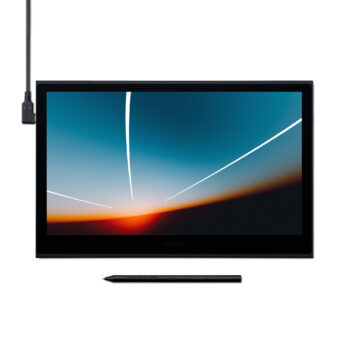
Wacom Movink 13″ OLED Pen Display
Price range: $824.45 through $849.95 Select options This product has multiple variants. The options may be chosen on the product page-
-

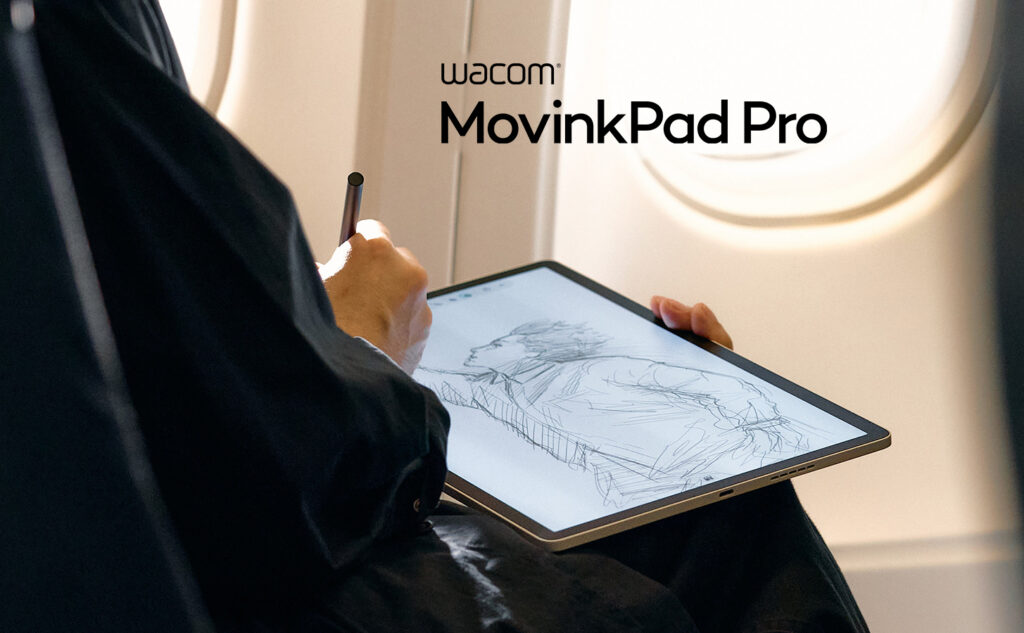
Wacom MovinkPad Pro 14
$1,259.95 Add to cart-
-
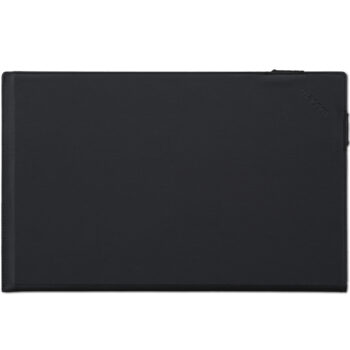
Wacom Movink Tablet Sleeve
$69.95 Add to cart-
-
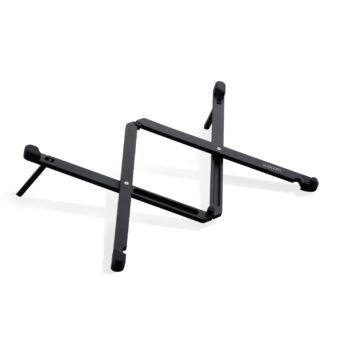
Wacom Foldable Stand for Movink
$149.95 Add to cart-
-
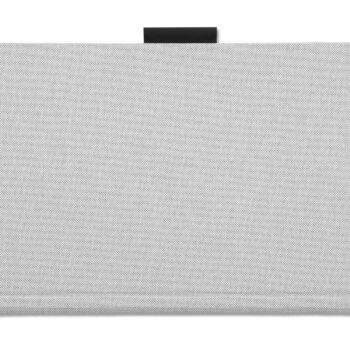
MovinkPad Pro 14″ Cover
$84.95 Add to cart-
Hardware Support
Having trouble with a Wacom device? See answers to many frequently asked questions and find solutions to common issues.


