


Description
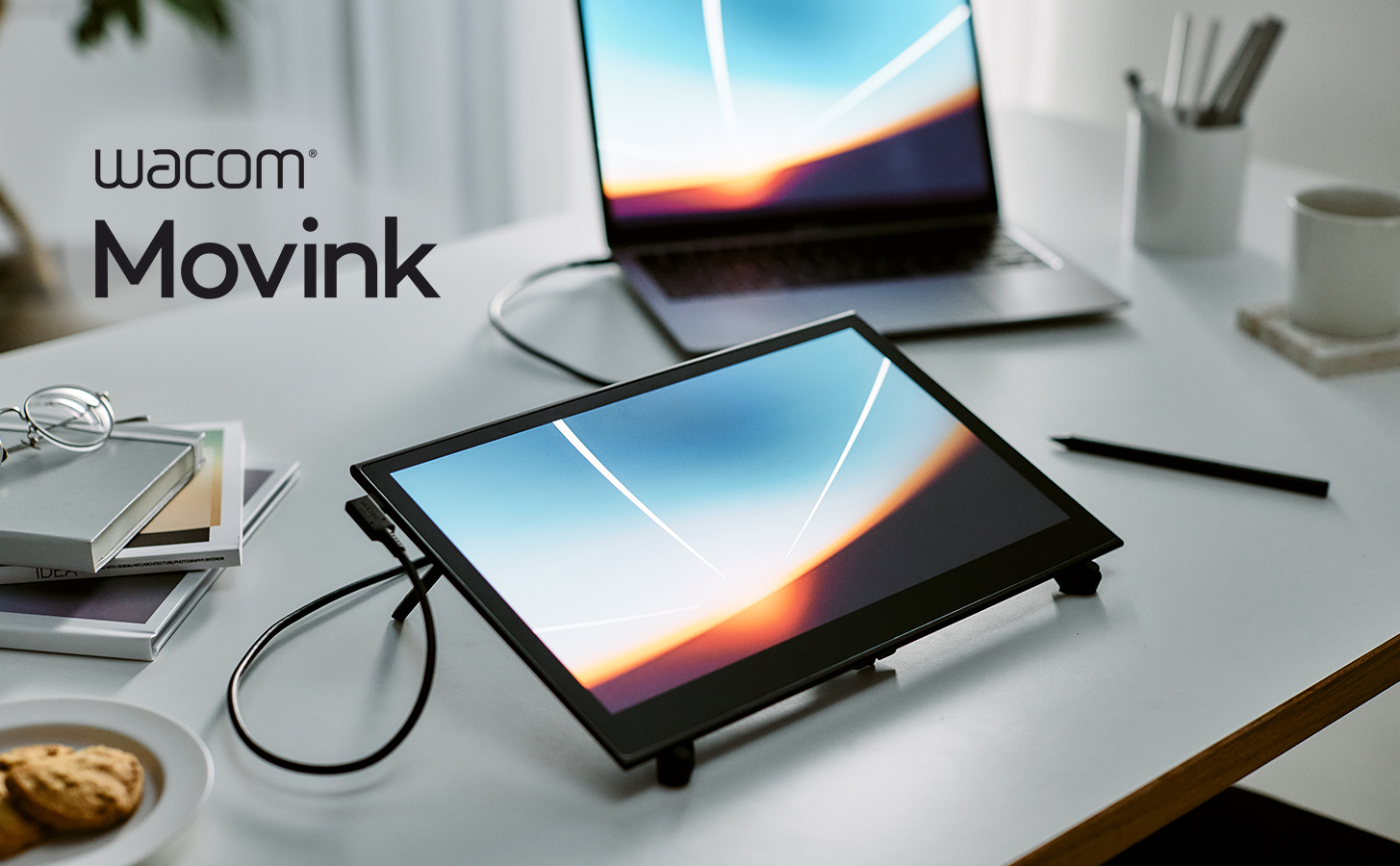
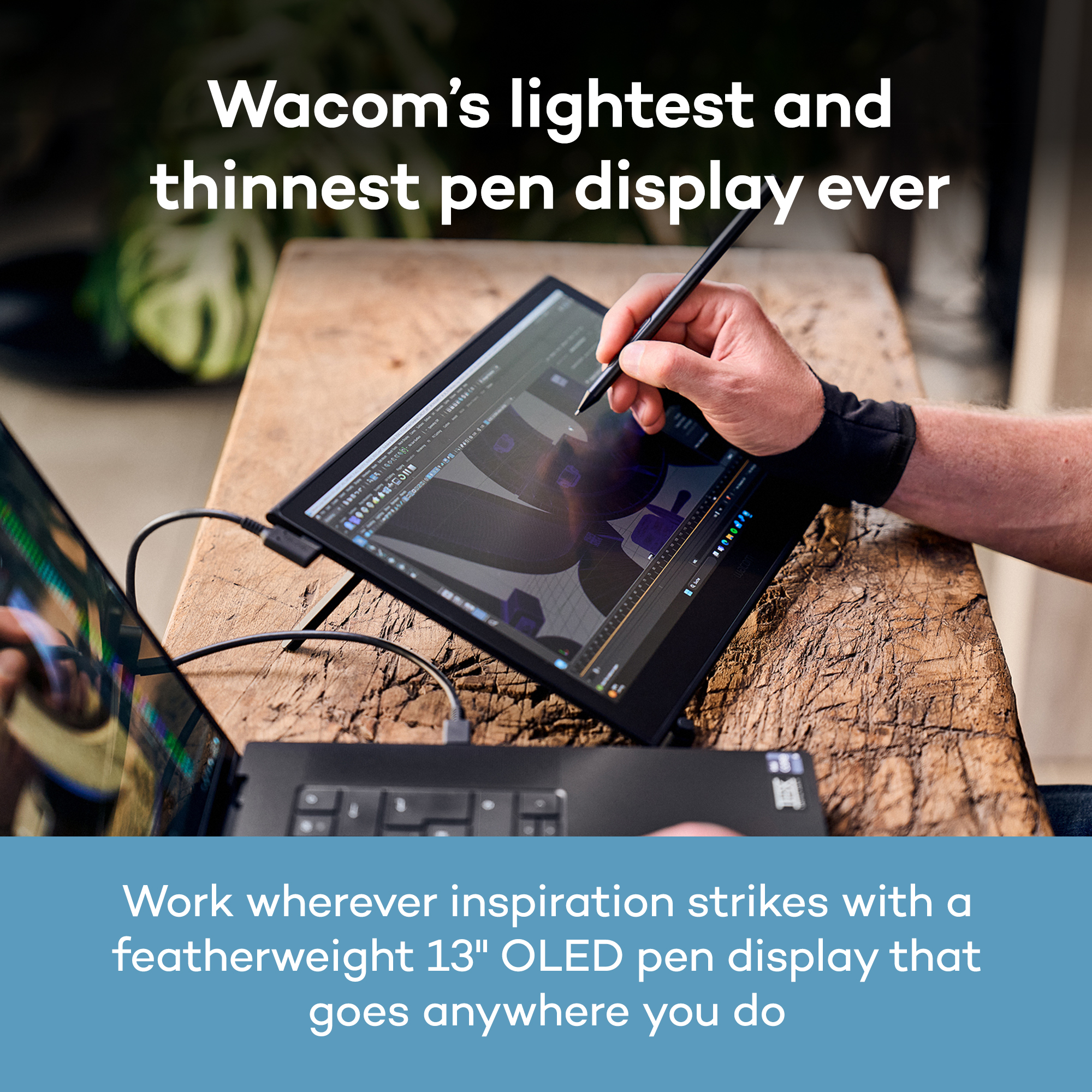
What if you could turn any place into your own studio? Like the café you stopped by after leaving an art
exhibition, the client’s office, or the photoshoot you’re on. Something clicks, and you seize the moment,
moving your pen across the screen before the idea gets away. With a tool that’s always ready to go, the
world is your studio.
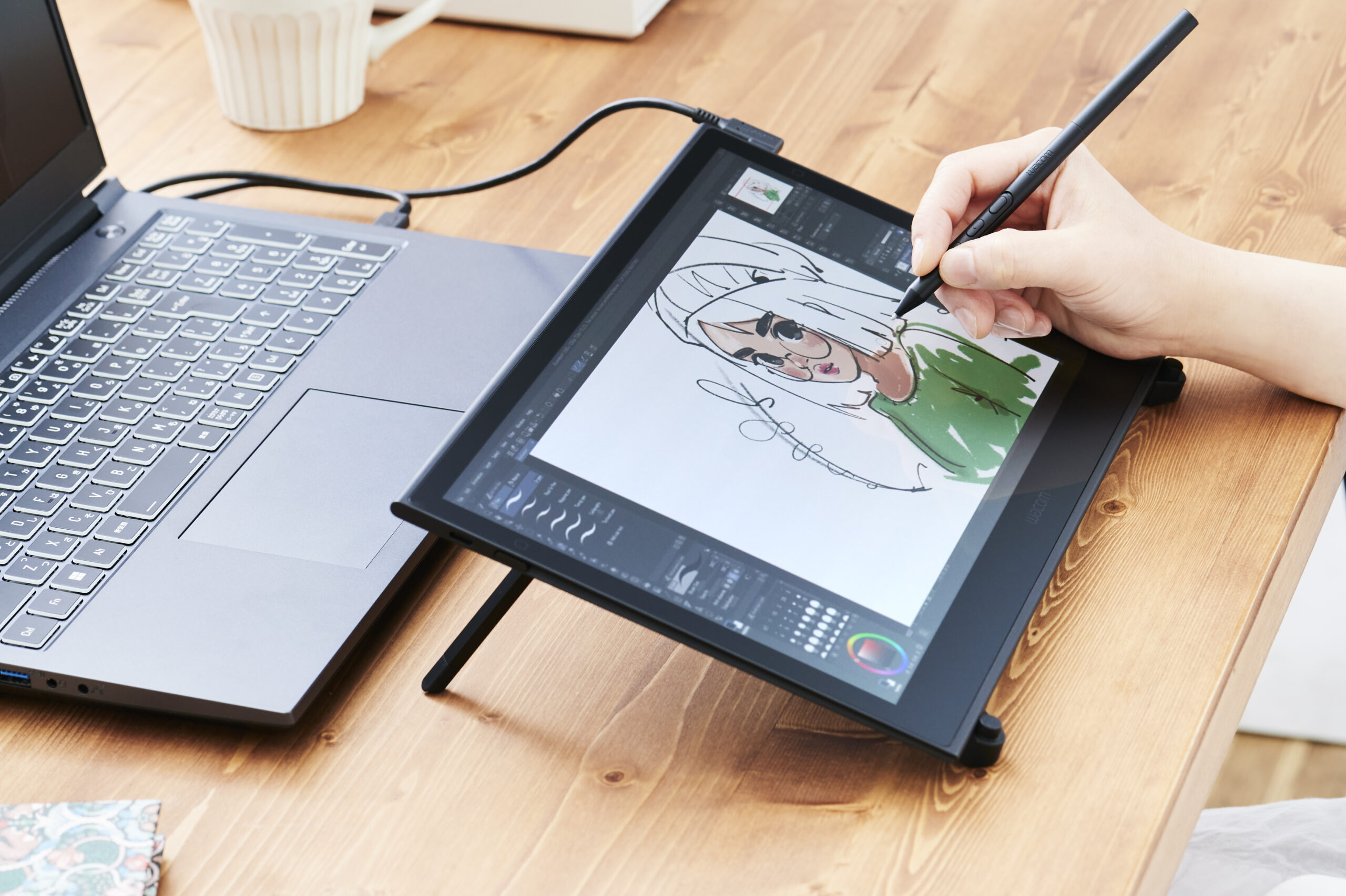
Wacom’s lightest and thinnest pen display ever
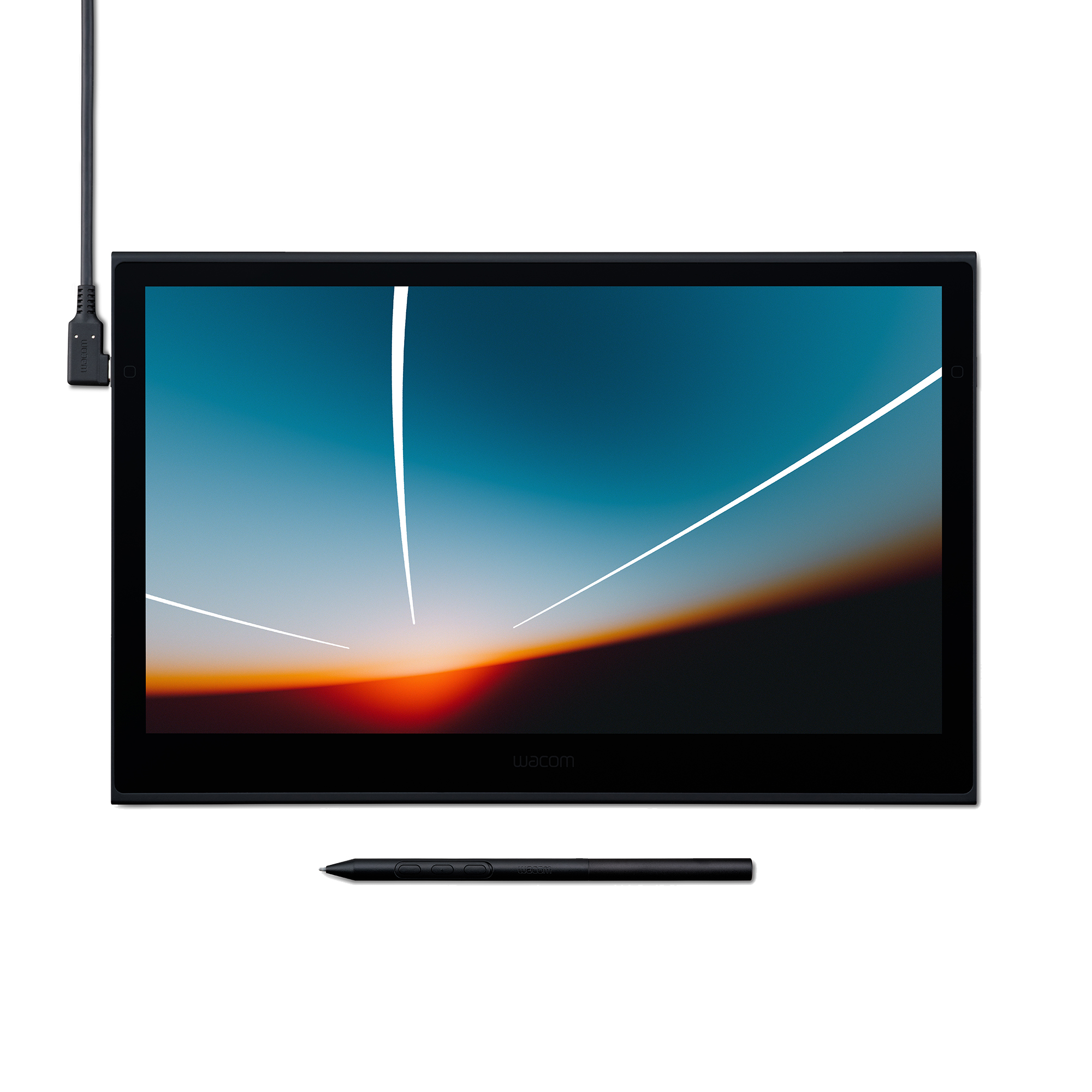
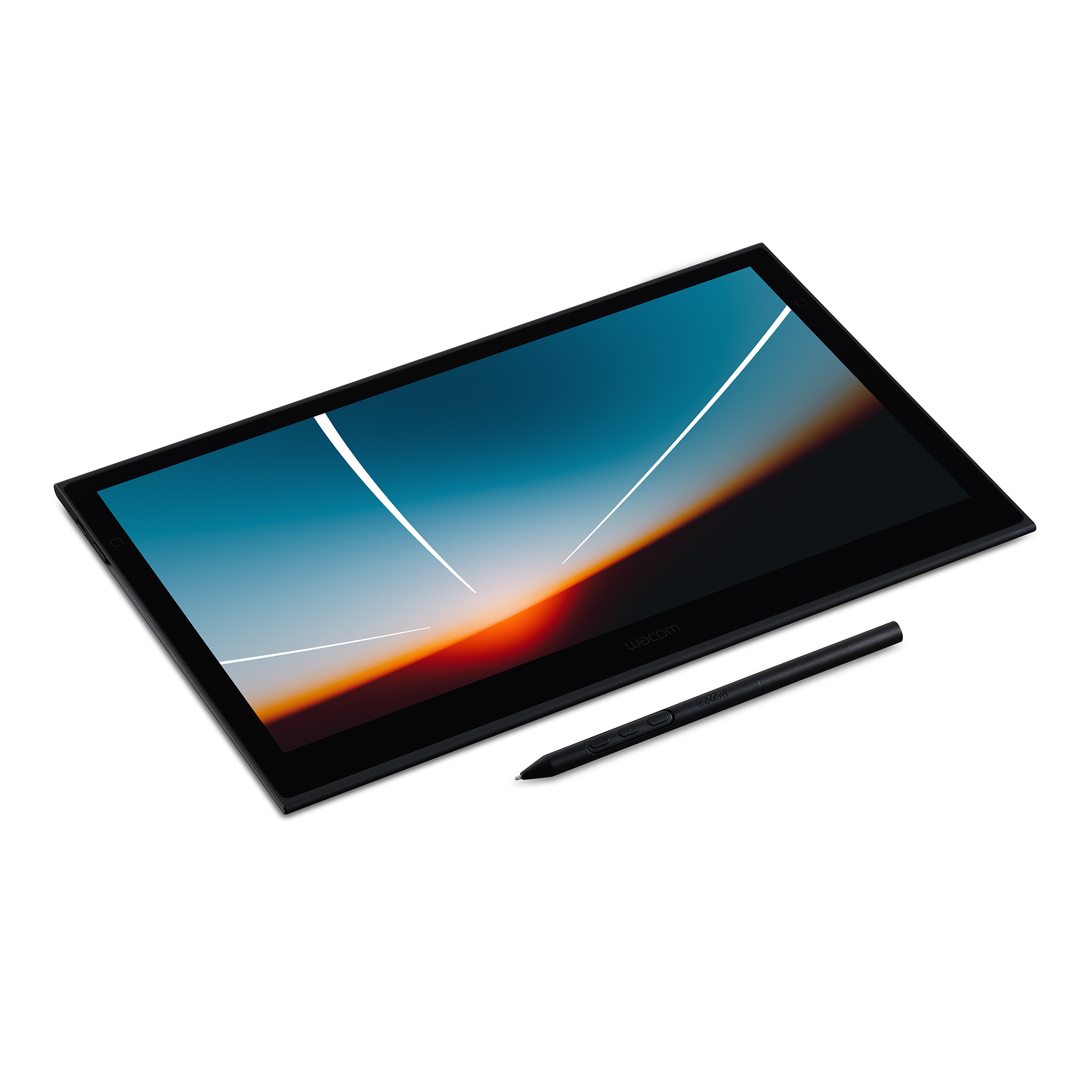
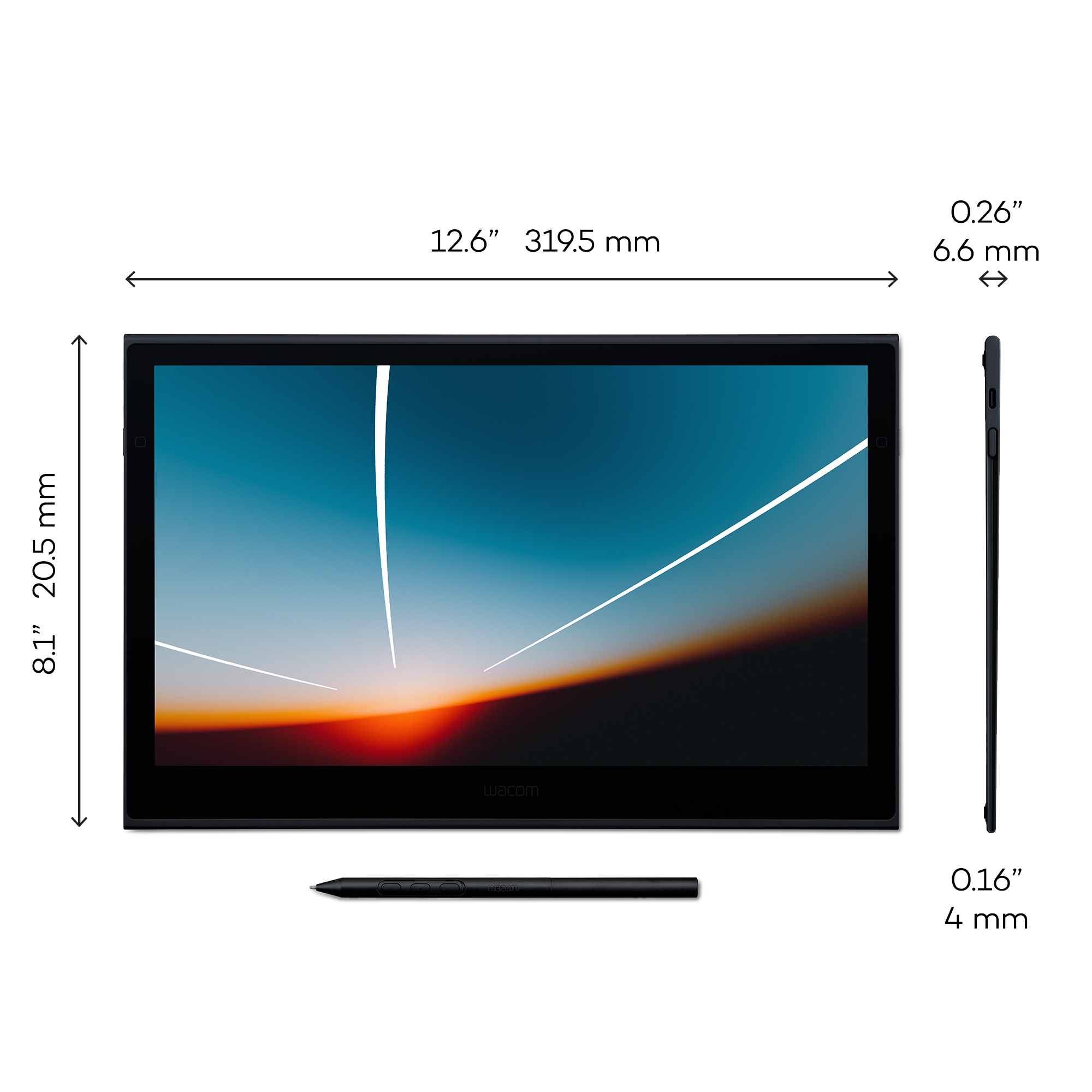
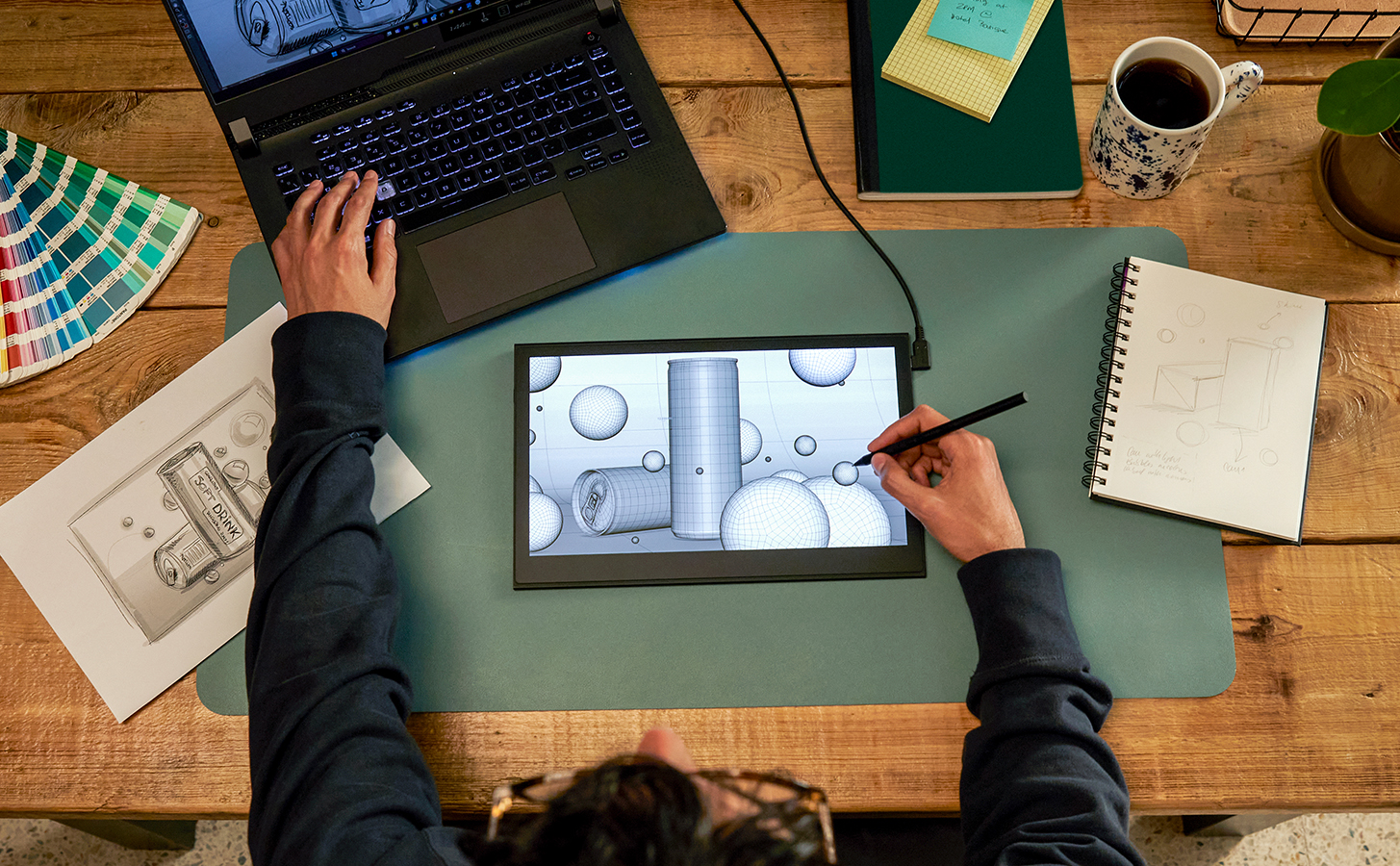
Compact, slim, and sturdy, this 13” OLED touchscreen display weighs under a pound and is incredibly
thin. Wacom Movink 13’s magnesium alloy exterior is lightweight yet durable enough to carry in a bag, so
you can bring it with you without adding bulk. Connect it to your computer, and you’ll have the processing
power you need for your professional work, in a graphics tablet that’s always ready to go
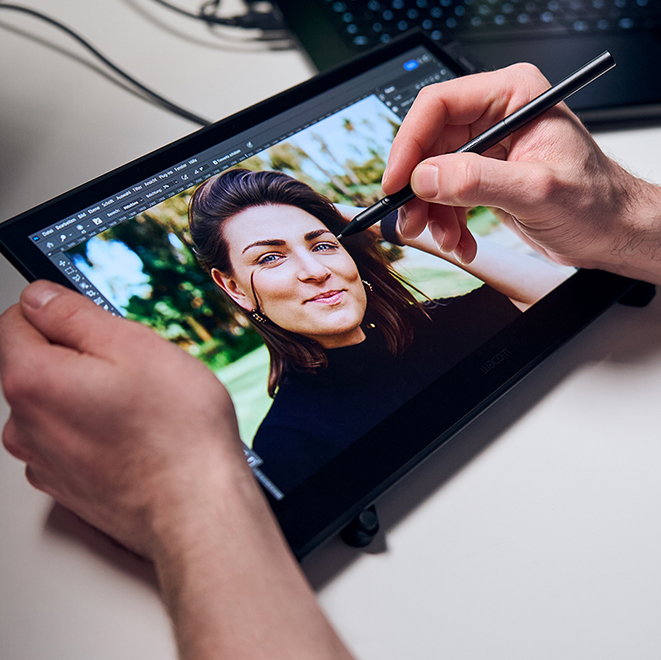
An exceptional drawing experience on a beautiful OLED display
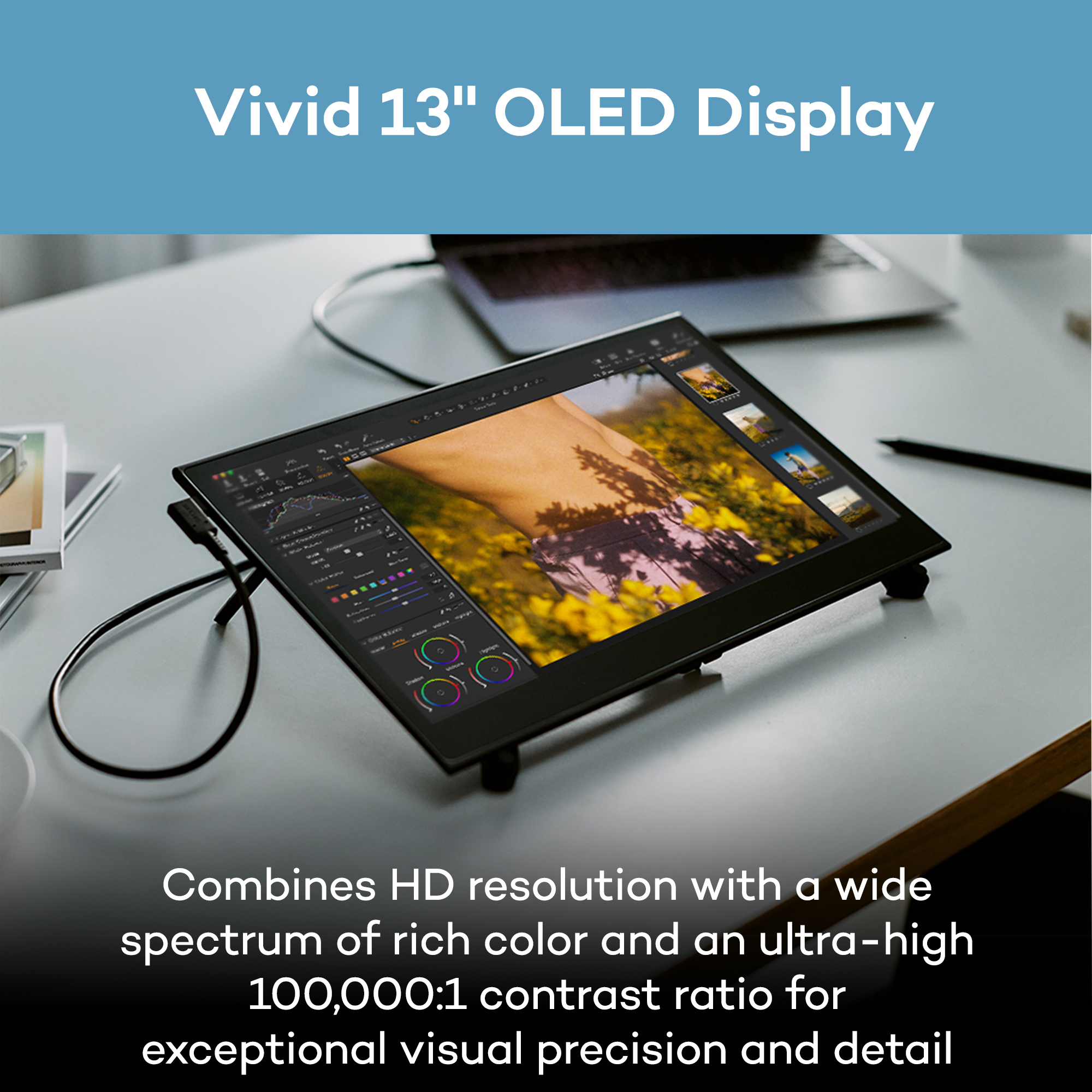
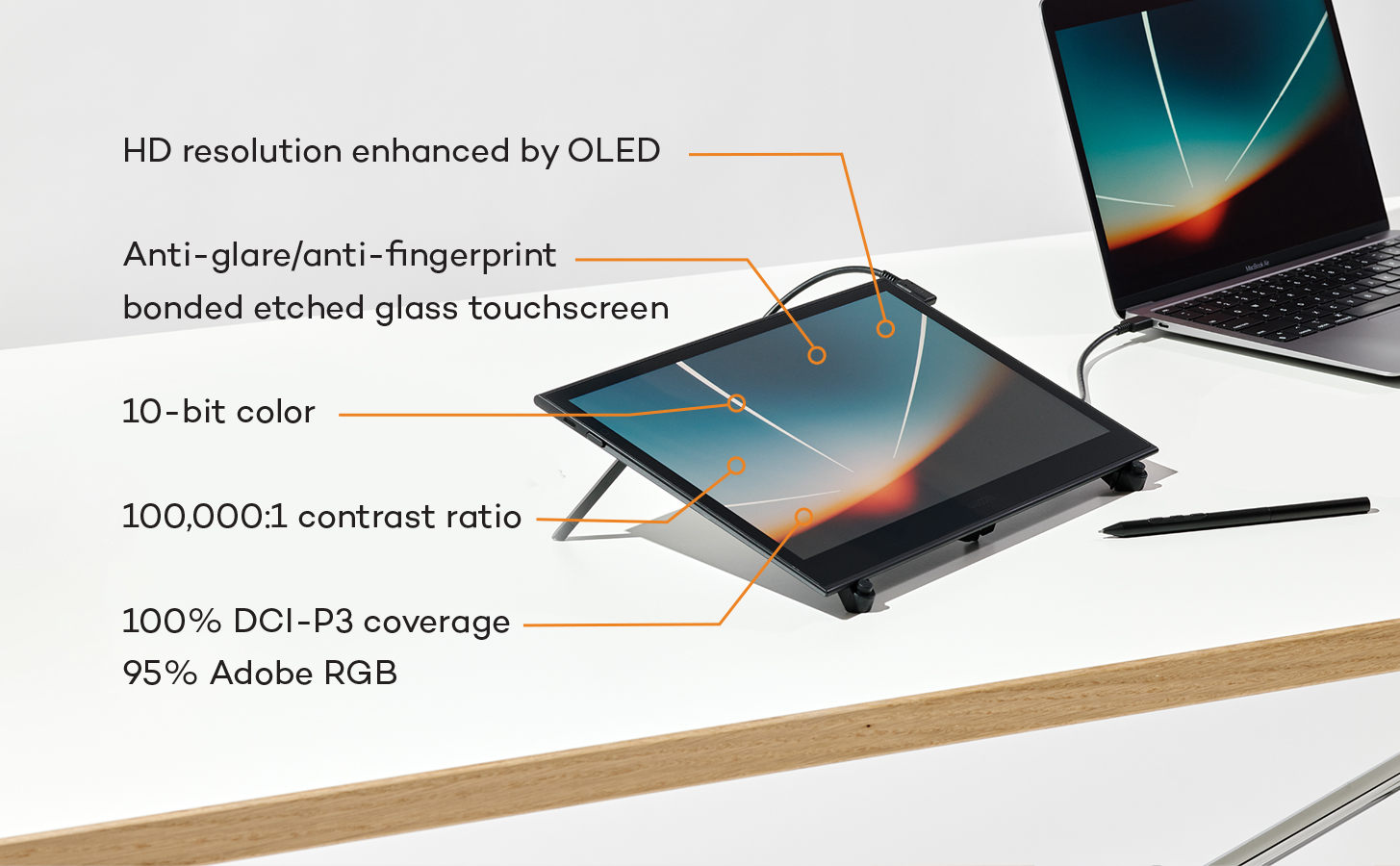
Work with confidence knowing your colors are accurate from screen to print. The Samsung 13” OLED
display delivers 10-bit color (1.07 billion colors) with 100,000:1 contrast and full DCI-P3 coverage, while
Pantone Validated and Pantone SkinTone Validated certification ensures what you see matches real-
world output. Built-in presets for Adobe RGB, sRGB, DCI-P3, and more eliminate guesswork, and the
sub-1ms response time keeps your pen strokes fluid and responsive.
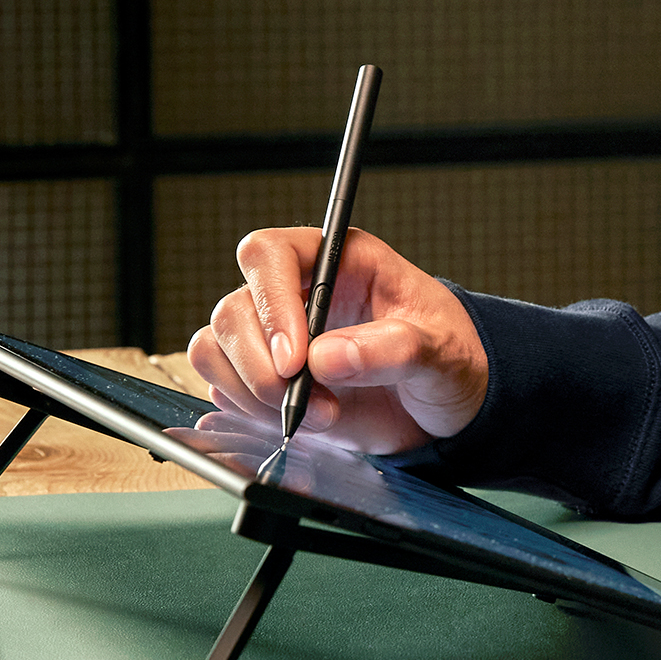
Gold-standard Pen Performance, Designed for the Move
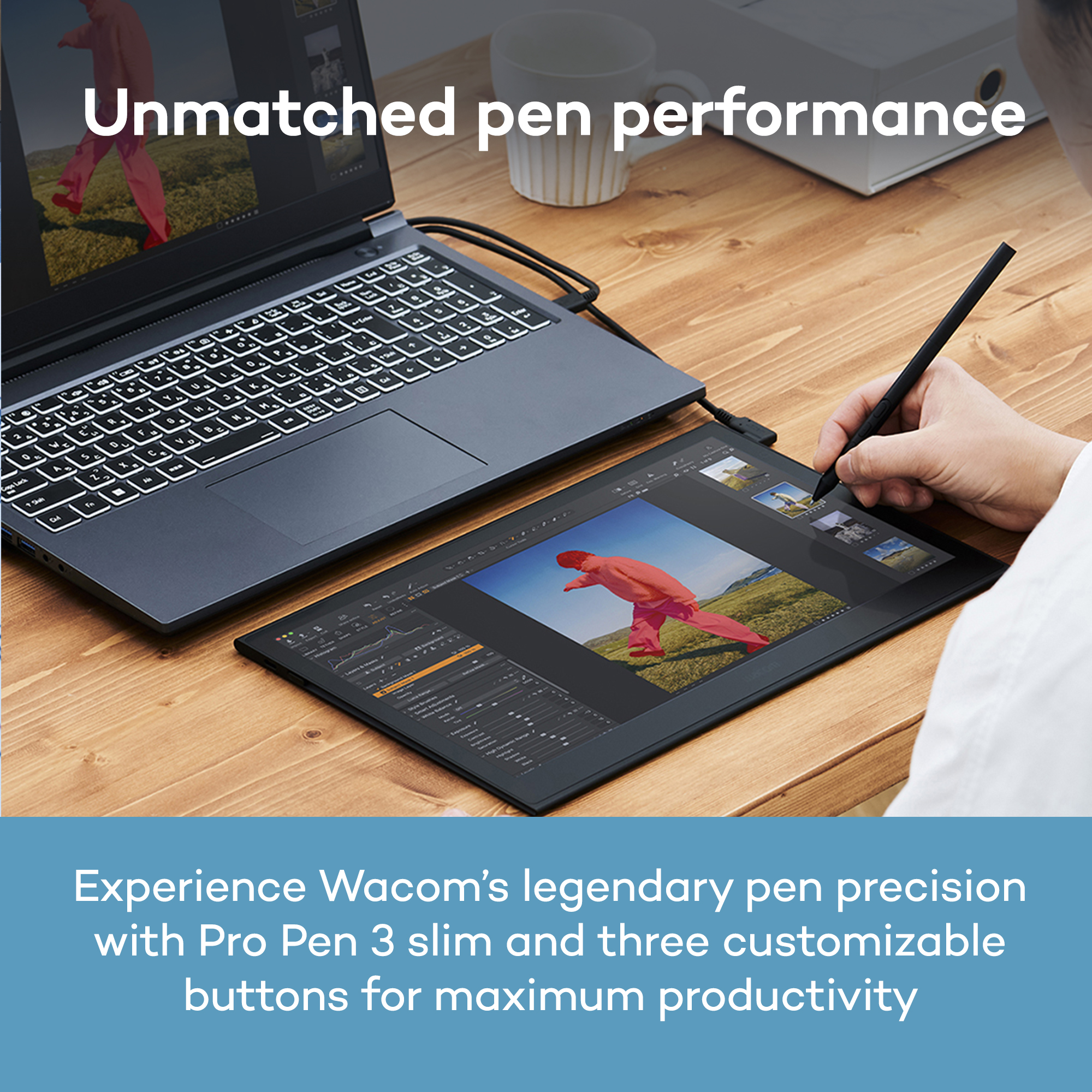
Wacom Movink 13 features the slim Pro Pen 3, representing 40 years of innovation in Wacom’s most
sensitive and accurate pen performance. This battery-free pen delivers 8,192 pressure levels, 3
programmable switches, and ±60-degree tilt support for unparalleled control. With 5080 LPI resolution,
10mm reading height, and 240 RPS report rate, it tracks every stroke with precision – ideal for detailed
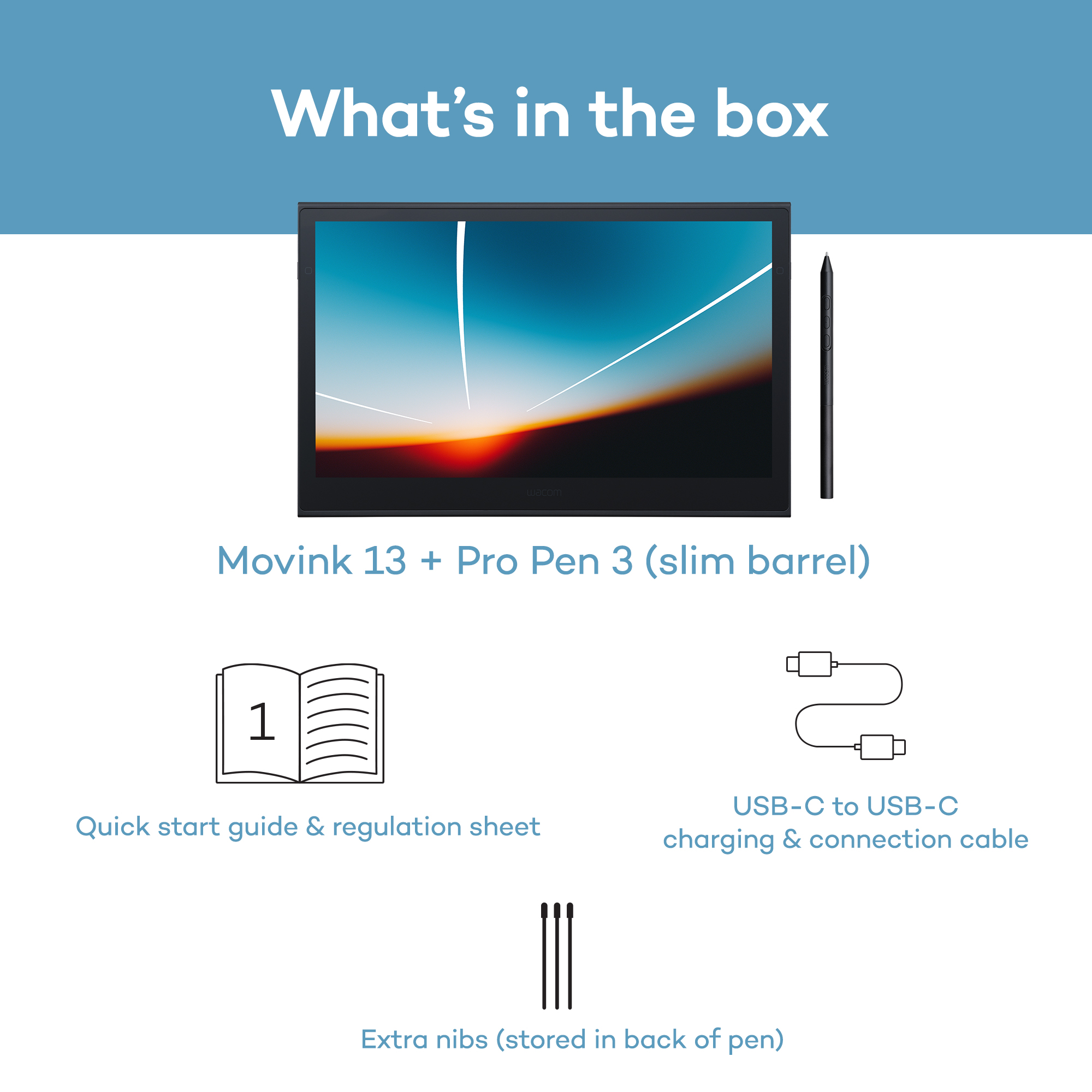
illustration, photo retouching, and complex design. Replacement nibs are housed in the back end,
ensuring you have the tools you need wherever you create
Work Faster with Intuitive Controls
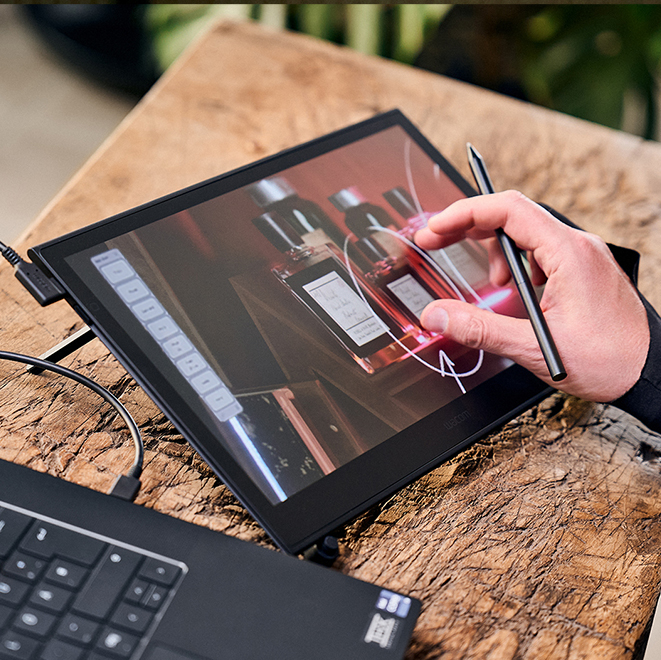
Navigate naturally with 10-point multi-touch support that lets you pan, zoom, and rotate with familiar gestures while keeping your pen in hand. Customize your workflow with physical ExpressKeys on the tablet sides and virtual touch keys that appear on-screen when you need them. Assign your favorite shortcuts to streamline repetitive tasks and use on-screen Radial Menus and Grid Panels for quick access to tools. Every control is designed to keep you in your creative flow without needing to reach for the keyboard
Simple Connection, Any Computer
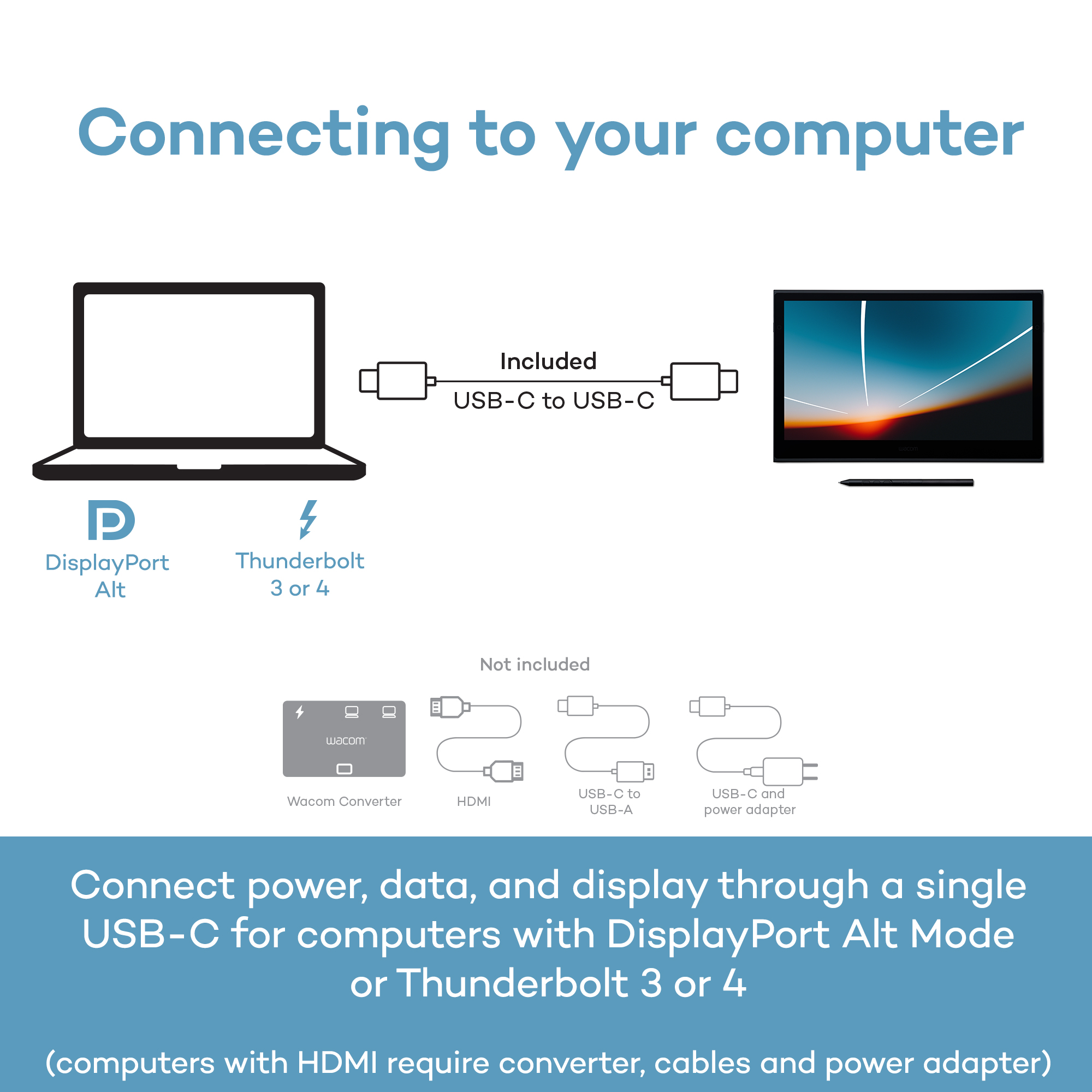
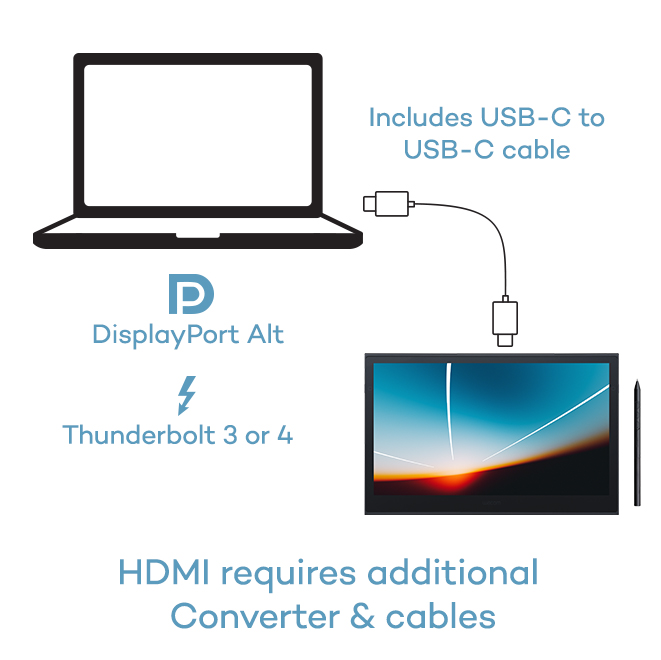
Wacom Movink connects to Windows, Mac, or Chromebook with a single USB-C cable that delivers power, video, and pen data – no clutter, no hassle. Most modern laptops with USB-C (Thunderbolt 3/4 or DisplayPort Alt Mode) work right out of the box with the included cable. We included only the most universally compatible USB-C cable to help reduce e-waste – since most users won’t need anything else to start creating. For HDMI connections, the Wacom Converter (ACK45219Z) is required, along with HDMI and USB cables and a power adapter
Accessories Designed for Portability
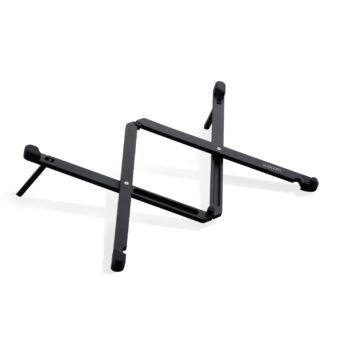
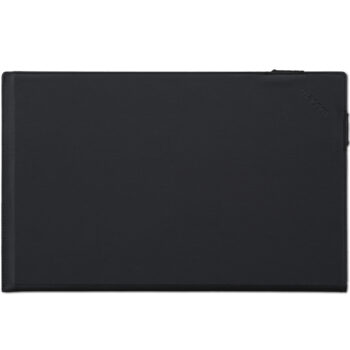
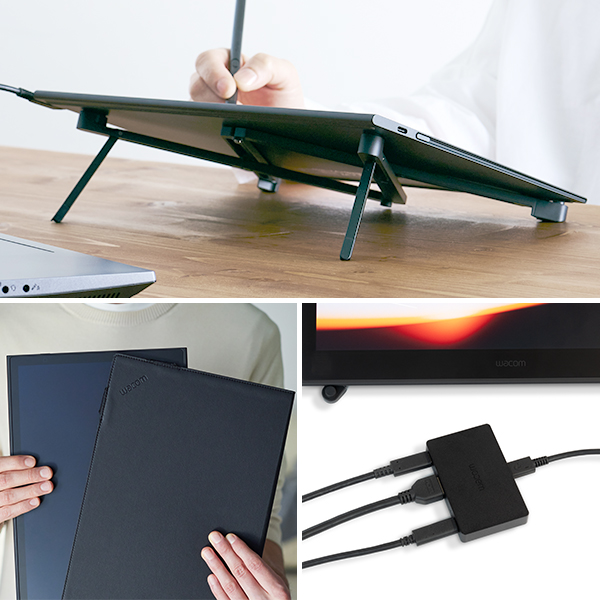
Enhance your mobile workflow with accessories built for life on the go. The ultra-portable Wacom Foldable Stand folds flat for travel and props Movink at a comfortable working angle. The Movink Tablet Sleeve provides slim, protective portability that fits easily in any bag. Need to connect via HDMI? The Wacom Converter adapter ensures compatibility with computers that don’t have USB-C with DisplayPort Alt Mode, so you can use your Movink 13 on any system.
Why Buy Wacom
When you choose Wacom Movink 13, you’re getting more than a portable, pro-quality drawing display – you’re tapping into over 40 years of pen technology trusted by creative professionals around the world. The Wacom Pro Pen 3 delivers unmatched pressure sensitivity, accuracy and natural feel that others can’t replicate. Movink 13’s OLED display brings your work to life with incredible color and contrast, while the lightweight magnesium alloy construction is built for durability and life on the go. With dedicated expert support and compatibility across multiple pen generations, Movink 13 delivers exceptional value for creative pros and students who want a portable, professional-quality display without compromise
Specifications
- 640×480 @60Hz
- 720×480 @60Hz
- 720×576 @50Hz
- 800×600 @60Hz
- 1024×768 @60Hz
- 1280×720 @50/60Hz
- 1280×1024 @60Hz
- 1600×1200 @60Hz
- 1920×1080 @50/60Hz
Adobe RGB 95% (CIE 1931) (typ)
Pantone® Validated™ and Pantone® SkinTone™ Validated certifications
AC Power Adaptor DC 9V 2.77A
- PC: Windows® 10 or later (Latest service pack/ build)
- Mac: macOS 12 or later (Latest update)
- Android*: Android 8.0 and above
- ChromeOS**: The latest version of ChromeOS
*Display mode requires manufacturer specific OS support. See Wacom support for display mode compatible devices.
**Due to ChromeOS specification, some pen and tablet features may not be available. See https://support.wacom.com/ for more details.
** This product works with devices capable of running the latest version of ChromeOS. Google is not responsible for the operation of this product or its compliance with safety requirements. Chromebook is a trademark of Google LLC. ChromeOS may not be available in certain regions/countries.
**Pen must be used with the tablet to function with ChromeOS. Some Chromebook devices require a USB-C adapter.
**Android, Chromebook are trademarks of Google LLC. The Android robot is reproduced or modified from work created and shared by Google and used according to terms described in the Creative Commons 3.0 Attribution License.
- USB-C to C Cable 1.0M for Wacom Movink (ACK45206Z)
- Wacom Movink 13 Tablet Sleeve (ACK55200Z)
- Wacom Movink 13 Foldable Stand (ACK652Z)
- Wacom Rollup Case*
- Wacom Pro Pen 3 (ACP50000DZ)
- Wacom One 12/13T Power Adapter (ACK44914A, ACK44914B, ACK44914C, ACK44914F)
- Wacom Pro Pen 3 Straight Grip (ACK34801Z)
- Wacom Pro Pen 3 Flare Grip (ACK34802Z)
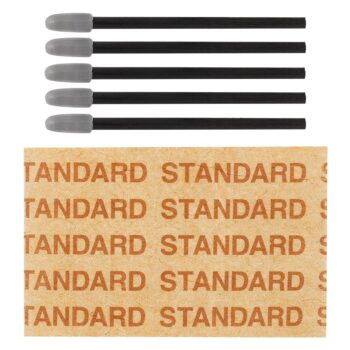
- Wacom Pro Pen 3 Standard Nibs (ACK24801Z)
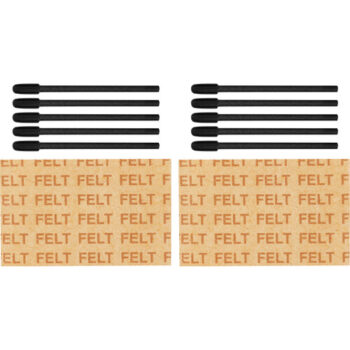
- Wacom Pro Pen 3 Felt Nibs (ACK24819Z)
- Wacom Drawing Glove (ACK4472501Z, ACK4472502Z)
- Wacom Color Manager (EODIS3-DCWA)
- Wacom Converter for HDMI (ACK45219Z)**
*Available Accessory Pack only
**Available in 2024