


 , Non-refundable
Description
The legend returns.
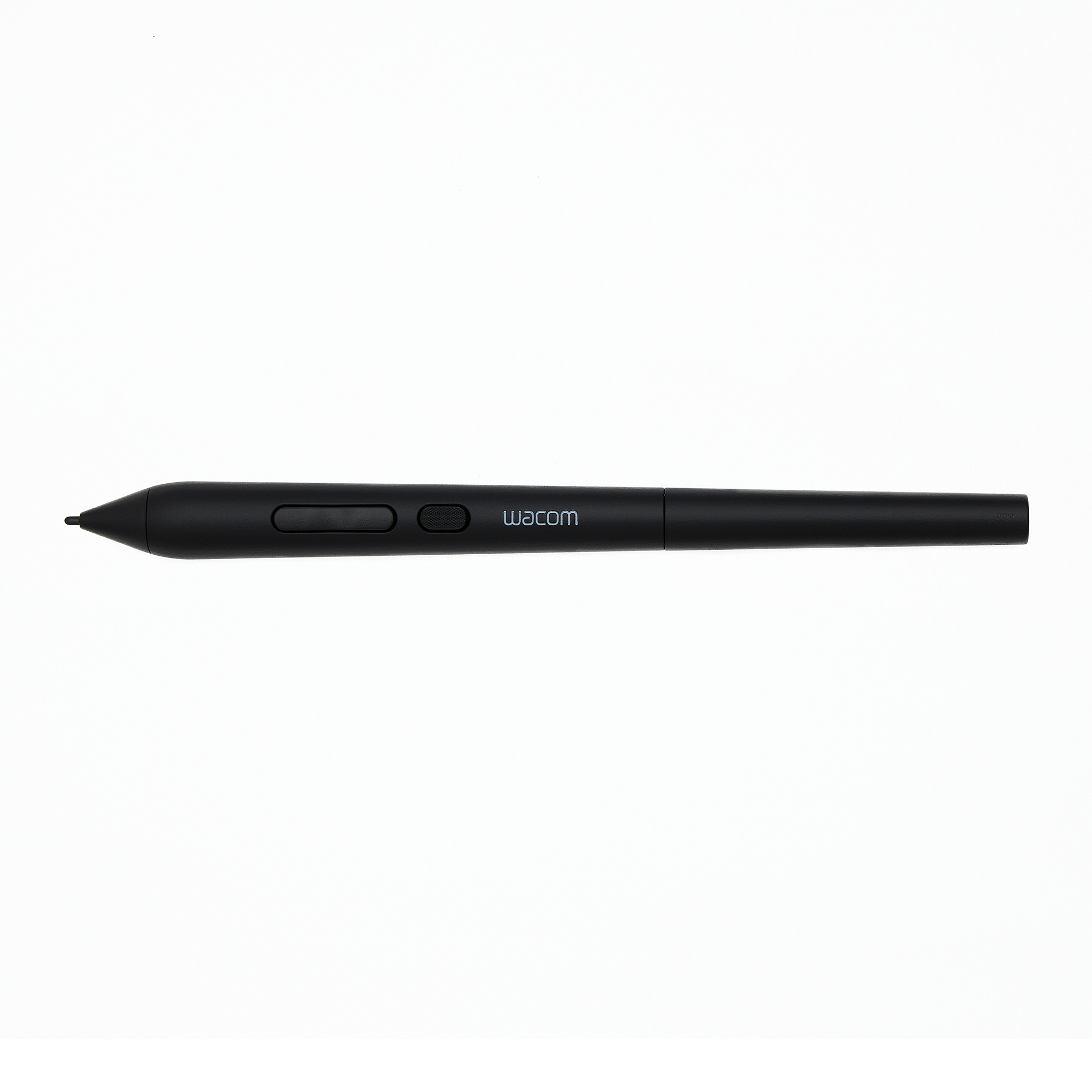
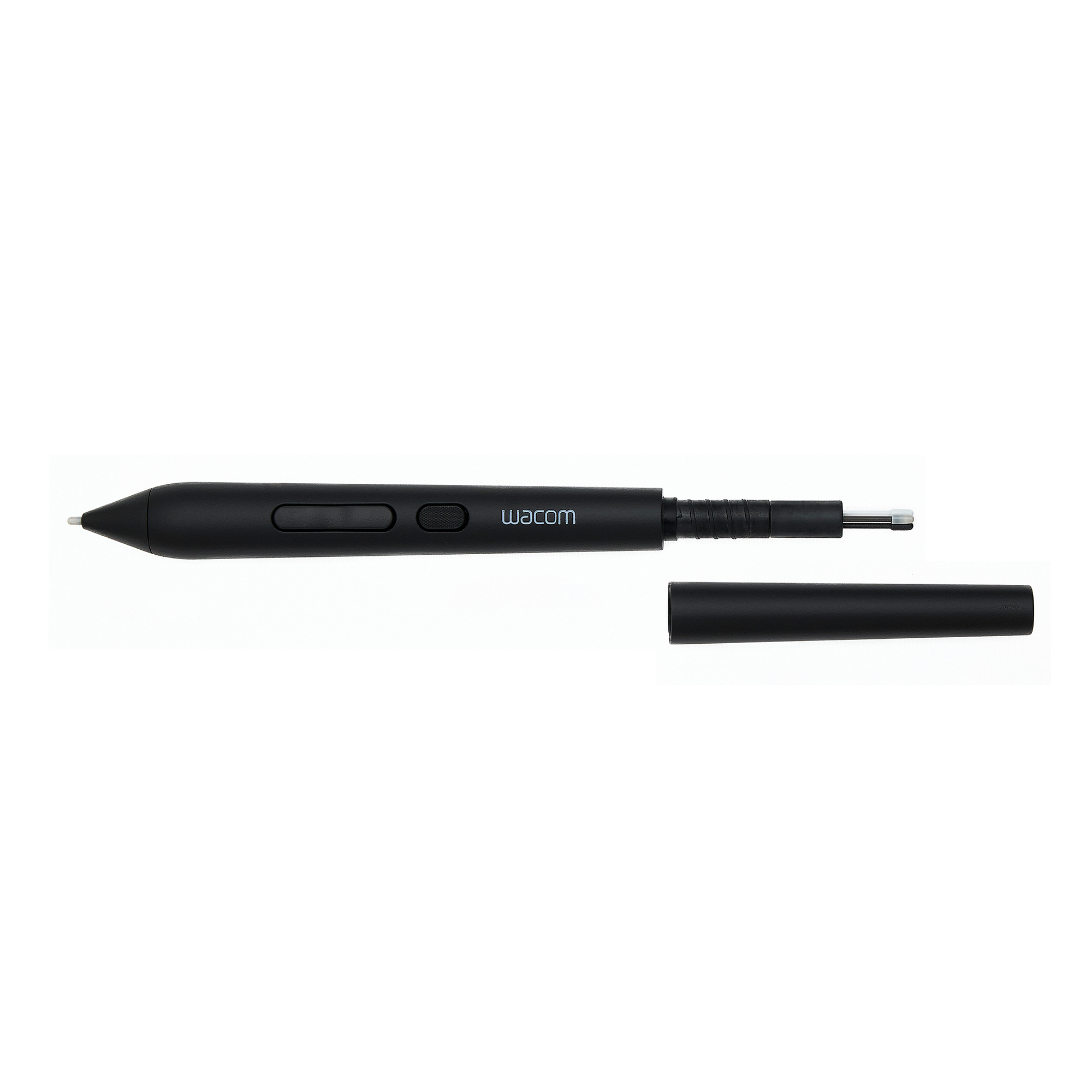
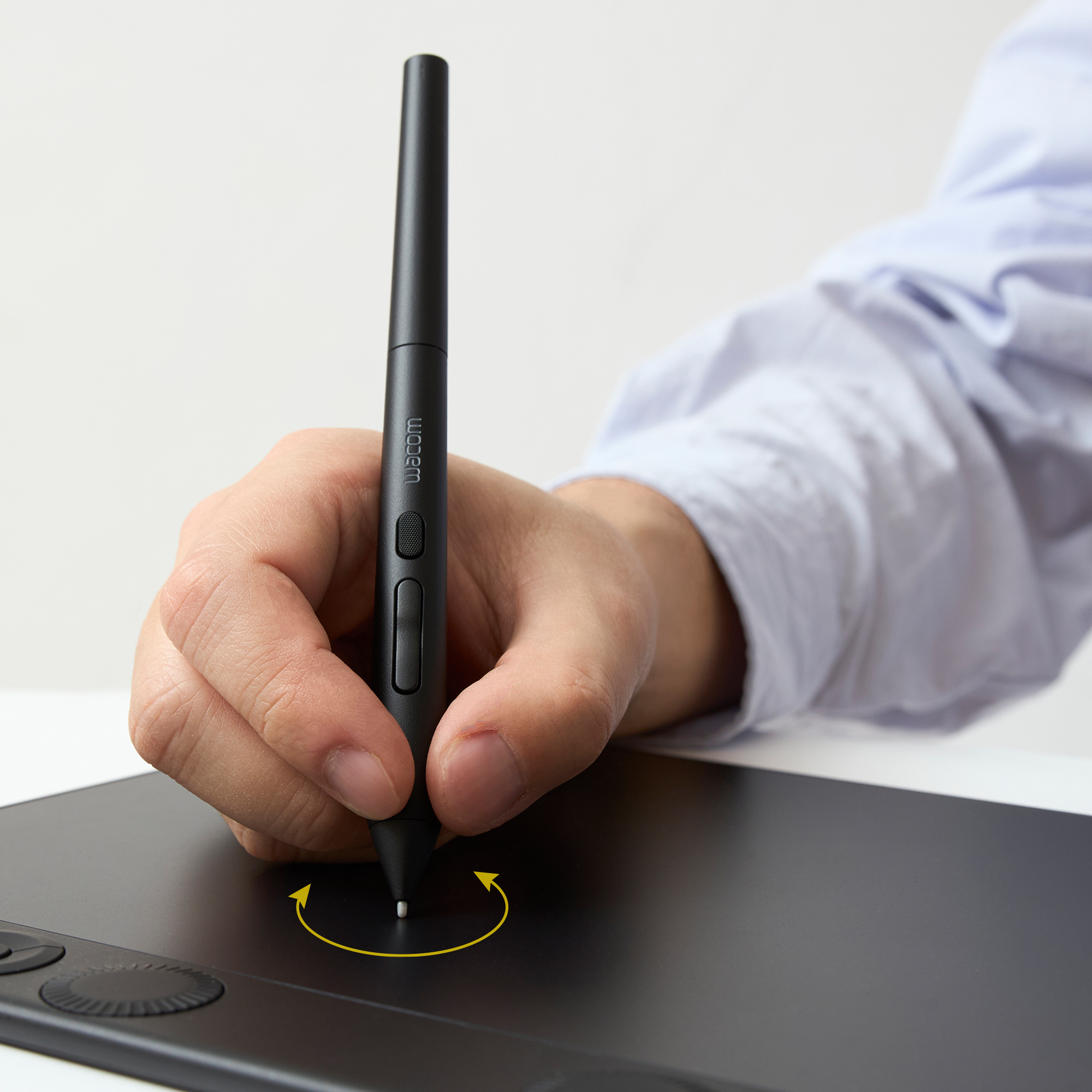
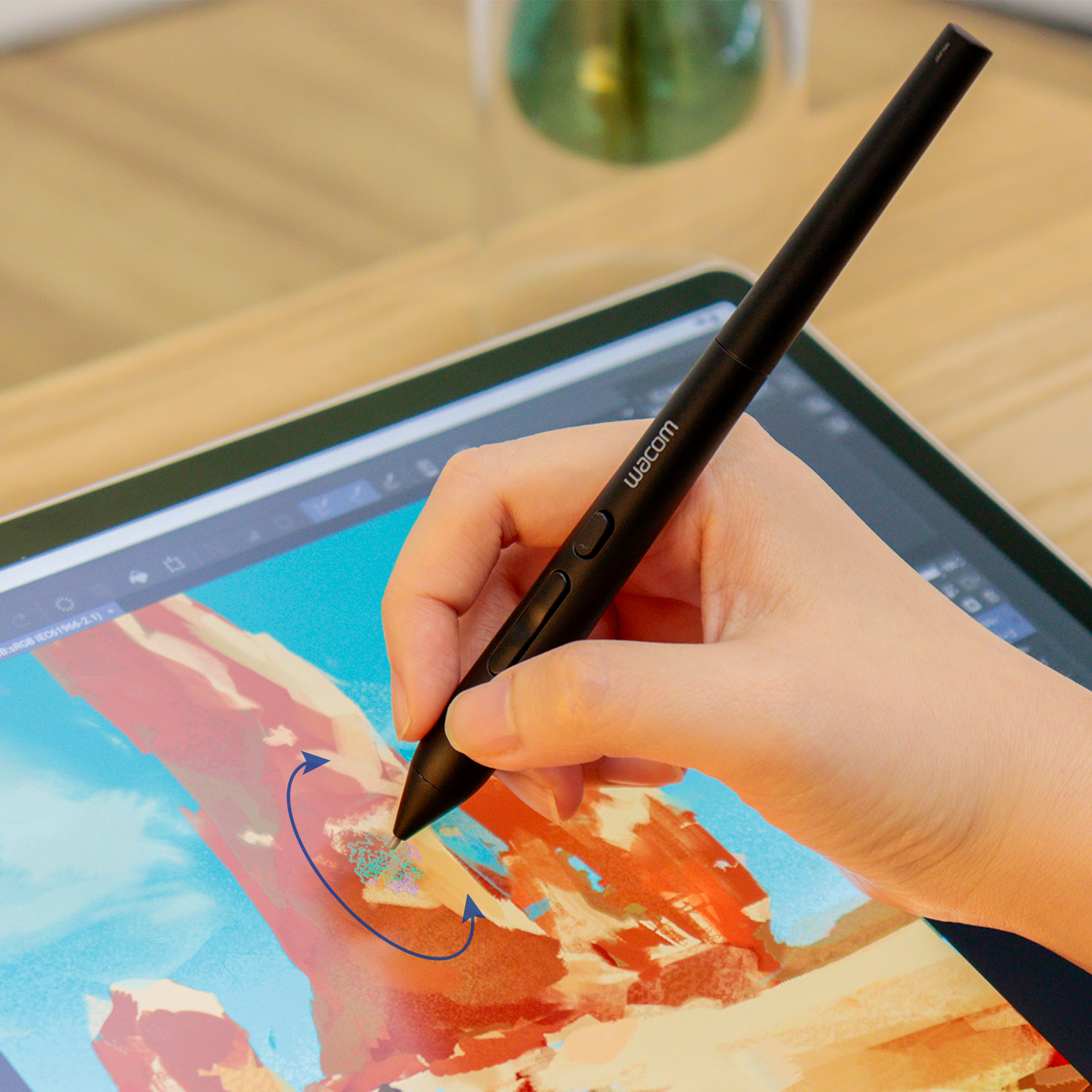
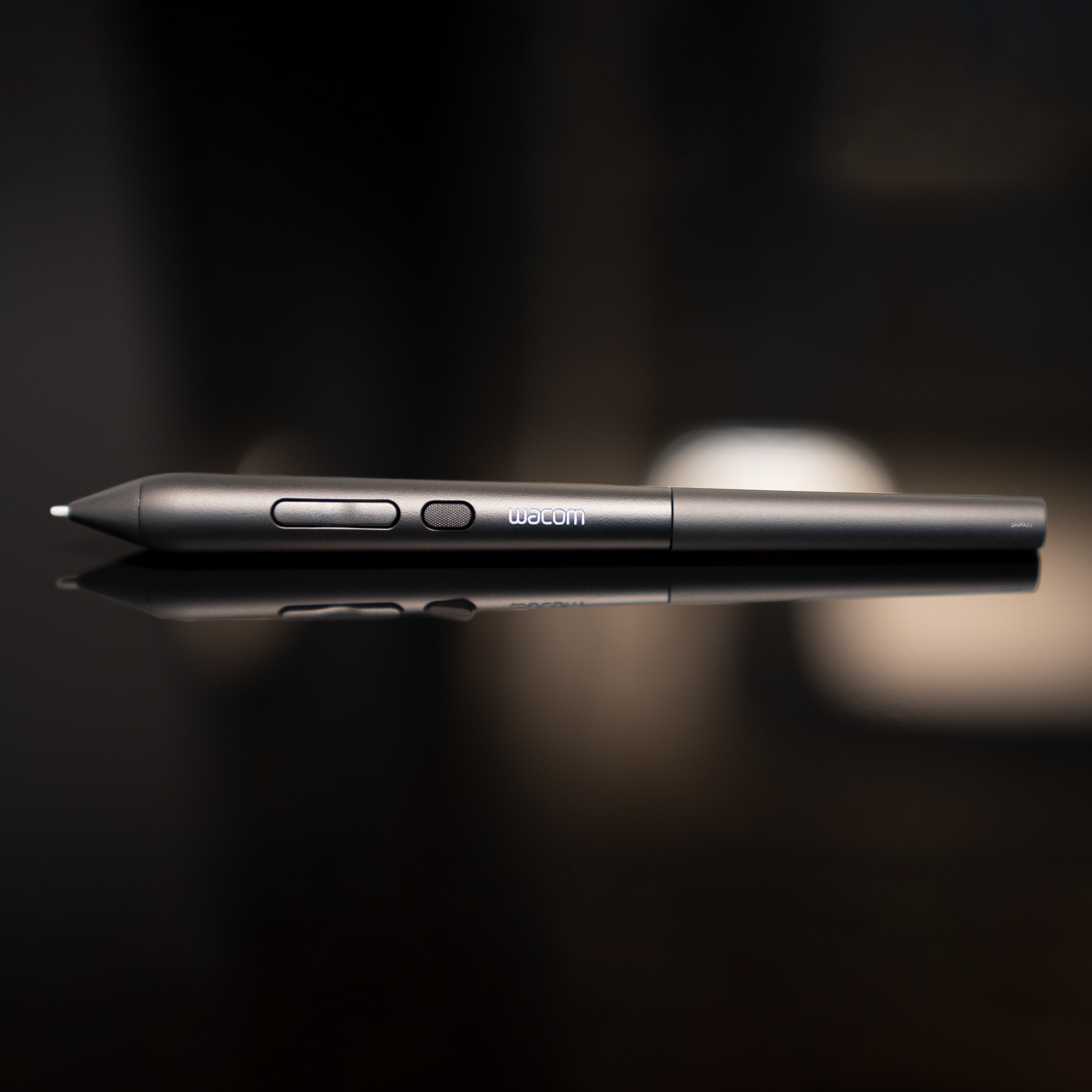
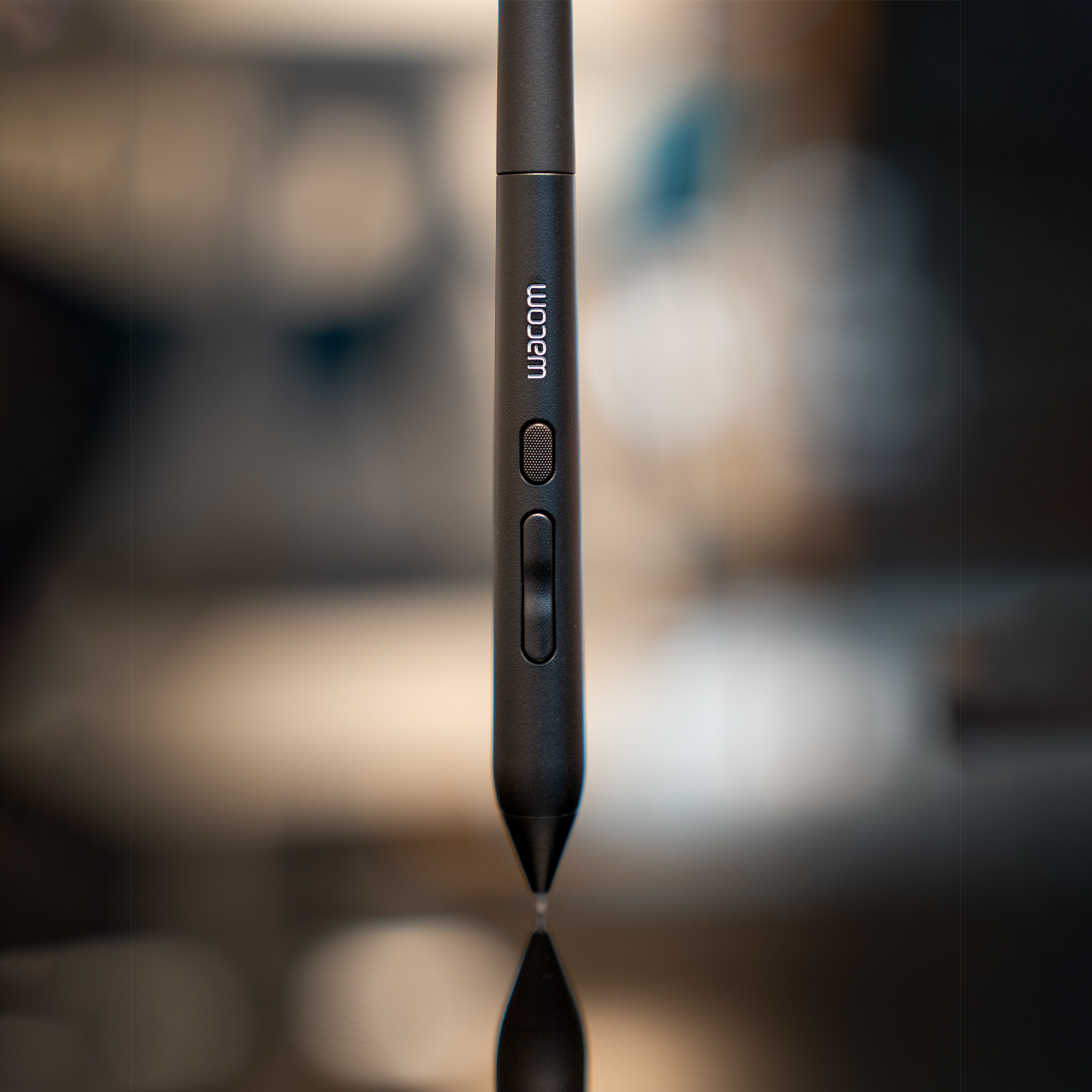
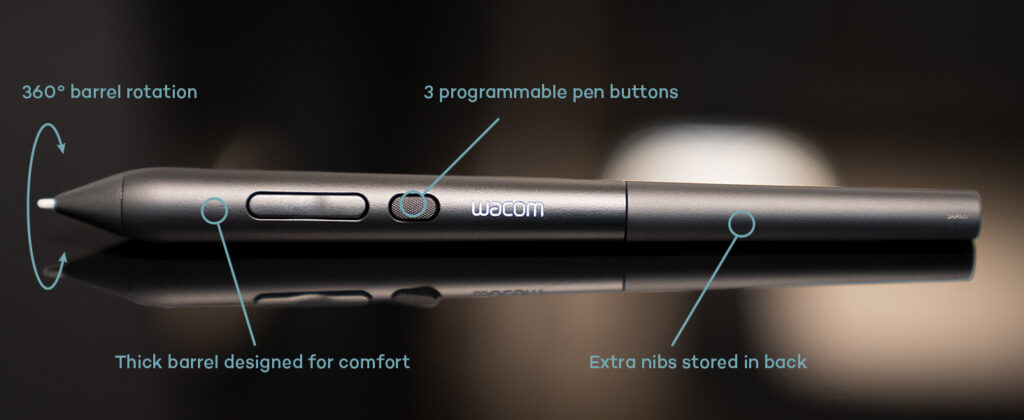
Wacom Art Pen 2 brings back the rotation-sensitive pen artists have been asking for, combining 360° rotation with pressure and tilt for expressive control. A thick barrel, three programmable buttons, and battery-free EMR technology deliver precise, uninterrupted performance.
FAQs
What products are compatible with Wacom Art Pen 2?
It is currently compatible with Wacom MovinkPad Pro 14 (DTHA140L0Z), Wacom Cintiq (DTK168, DTK246, DTH246) & Wacom Intuos Pro (PTK470, PTK670, and PTK870). Support for additional devices will be added over time. Latest driver and firmware required.
I need replacement nibs for my Art Pen 2 – can I use standard Wacom Pro Pen 3 nibs?
No. Wacom Art Pen 2 requires nibs made specifically for this pen. Compatible options include Art Pen 2 Carbon Shaft, POM, and Felt Nibs. Pro Pen 3 nibs are not compatible, and Art Pen 2 nibs cannot be used with Pro Pen 3.
Does the Wacom Art Pen 2 require a firmware update to work with my tablet/display?
Windows users with a Wacom Cintiq or Wacom Intuos Pro will need a firmware update to use Art Pen 2. If the firmware update does not run in Wacom Center, use the Wacom Update Utility from your Windows Start menu as a workaround. Visit Wacom’s support page for full details.